Last Updated on October 28, 2025 by Jawad
Introduction
If you want a good gaming setup without breaking the bank, choosing the right peripherals within your budget is not a very easy task. But if you are looking for an affordable yet feature-rich monitor, then you are in the right place. I have listed the best 27-inch gaming monitors available on Amazon within your price tag. This screen size fits perfectly on any size gaming desk and is also large enough to immerse you in gameplay.
You will find some good refresh rates (144 Hz and beyond), fast response time, and adaptive sync support (such as AMD FreeSync or NVIDIA G-Sync Compatible) in this budget range. For a screen resolution, you will typically find Full HD (1080p) or QHD (2560×1440) panels in this bracket. Full HD monitor usually gives you a high frame rate, while QHD delivers sharp visuals and greater details. Panel technologies, ergonomics, ports, and stand adjustability are also important considerations, even at this budget.
In short, $300 is a sweet spot for a good 27-inch gaming monitor. Let’s dive into the detailed recommendations of the best 27-inch gaming monitor.
Top Best 27 Inch Gaming Monitor Under $300
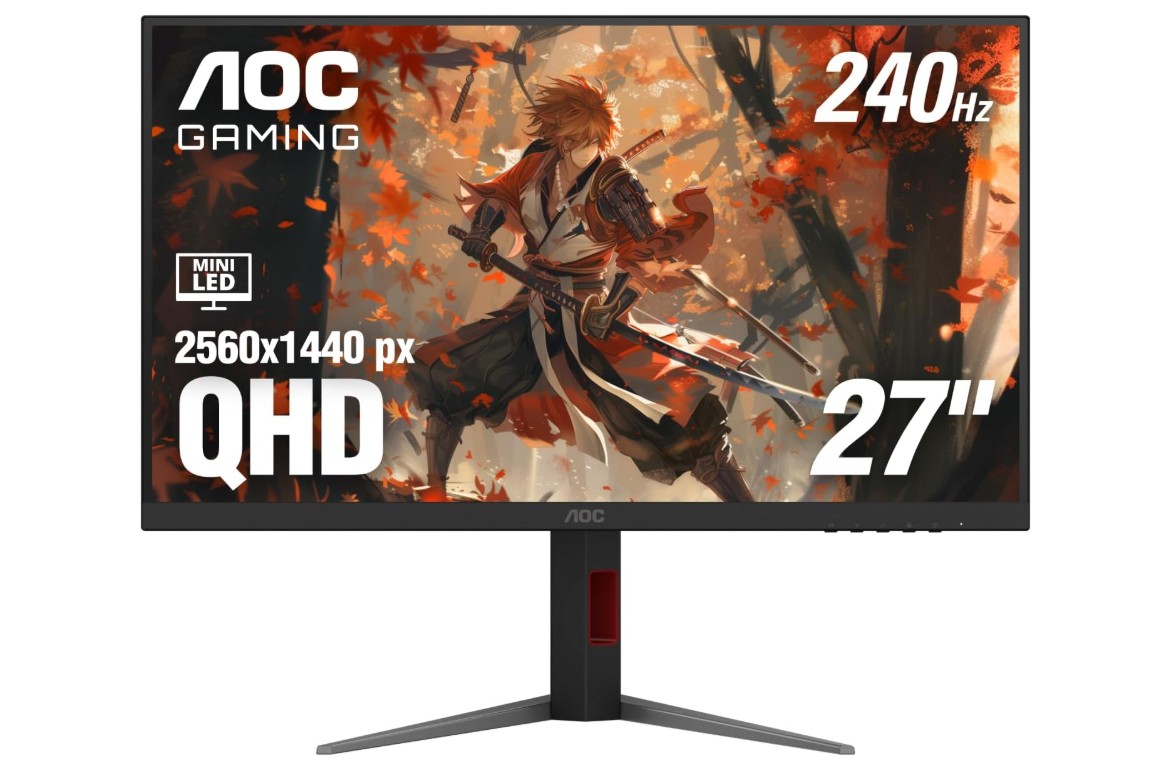
AOC Q27G3XMN 27″ 2K QHD Gaming Monitor
AOC Q27G3XMN 27″ 2K QHD Gaming Monitor
If you want high-end features in a mid-budget gaming monitor, then this is the best option for you. This monitor is perfect for gamers because it features 2K resolution and a 180 Hz refresh rate. This monitor provides you with strong contrast, deep blacks, and punchy highlights perfect for immersive gaming or media viewing, thanks to its Mini-LED backlight with an impressive 336 local-dimming zones and DisplayHDR 1000 certification.
For competitive gaming, this monitor delivers its fullest as it supports Adaptive Sync (FreeSync Premium) and works with G-Sync compatible GPUs. This monitor maintains low input lag and fast response time across refresh rates. The stand is fully adjustable too (height, tilt, pivot, swivel), making it flexible in different setups.
As for its trade-offs, the VA panel exhibits some black smearing in dark scenes, and viewing angles are narrower compared to IPS models. Connectivity is Ok, as with HDMI 2.0, you will get a 144 Hz refresh rate rather than 180 Hz, so for that, you need to connect via DisplayPort.
Overall, in this budget range, this gaming monitor is a catch, as it delivers some premium features. It delivers outstanding HDR brightness, smooth performance, and sharp 1440p visuals. Keep in mind, it has limitations around viewing angles. This monitor is recommended for a single-user gaming setup.
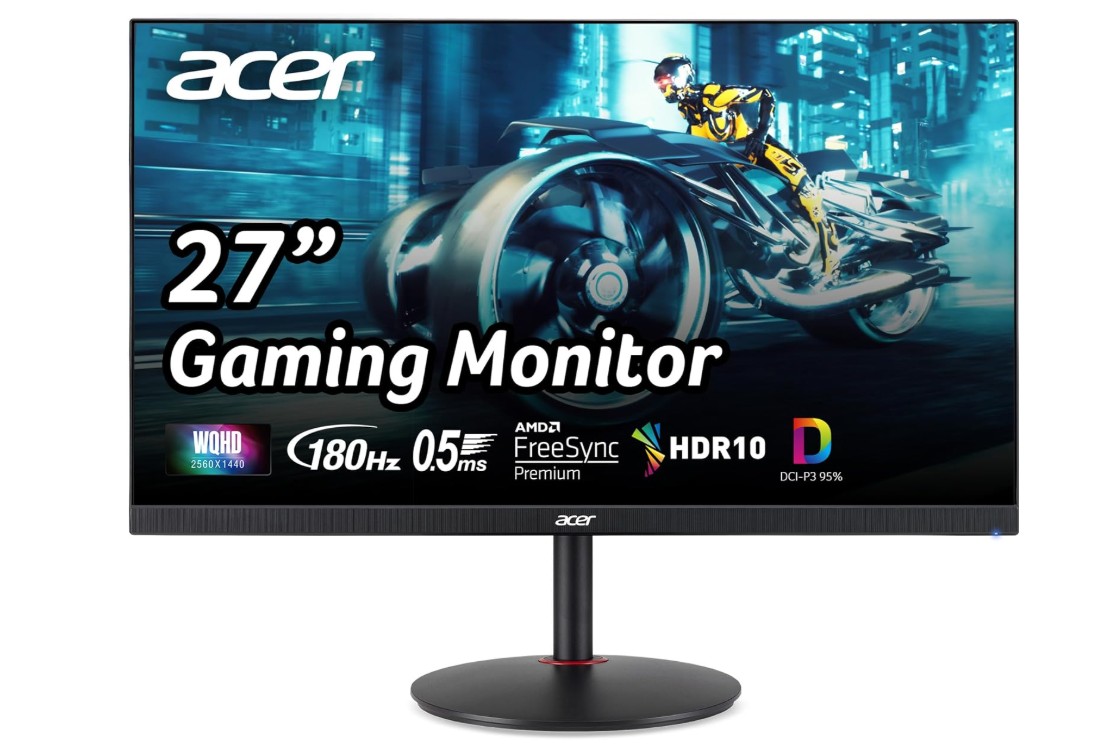
Acer Nitro 27″ WQHD 2560 x 1440 PC Gaming IPS Monitor
Acer Nitro 27″ WQHD 2560 x 1440 PC Gaming IPS Monitor
This monitor comes 2nd in my list as it delivers excellent performance for gamers on such a budget. You will get sharp visuals and competitive responsiveness and minimum input lag with its WQHD (2560×1440) IPS panel, 180 Hz refresh rate, and ultra-fast 0.5 ms response time (Gray to Gray) when using DisplayPort. It provides great flexibility of connectivity for connecting both PC and console setups. It includes one DisplayPort 1.2 and two HDMI 2.0 ports.
You can adjust the monitor using ergonomic stand – height, swivel, tilt, and pivot adjustments mean you can fine-tune your setup for comfort.
For its tradeoffs, the maximum brightness reaches 250 nits, which might struggle in bright rooms. Built-in speakers are modest and won’t replace a dedicated audio setup.
Overall, as for its price, this monitor is a very compelling option for casual to mediocre gaming. Just be aware that its brightness and contrast won’t match premium HDR monitors or high-end VA panels.
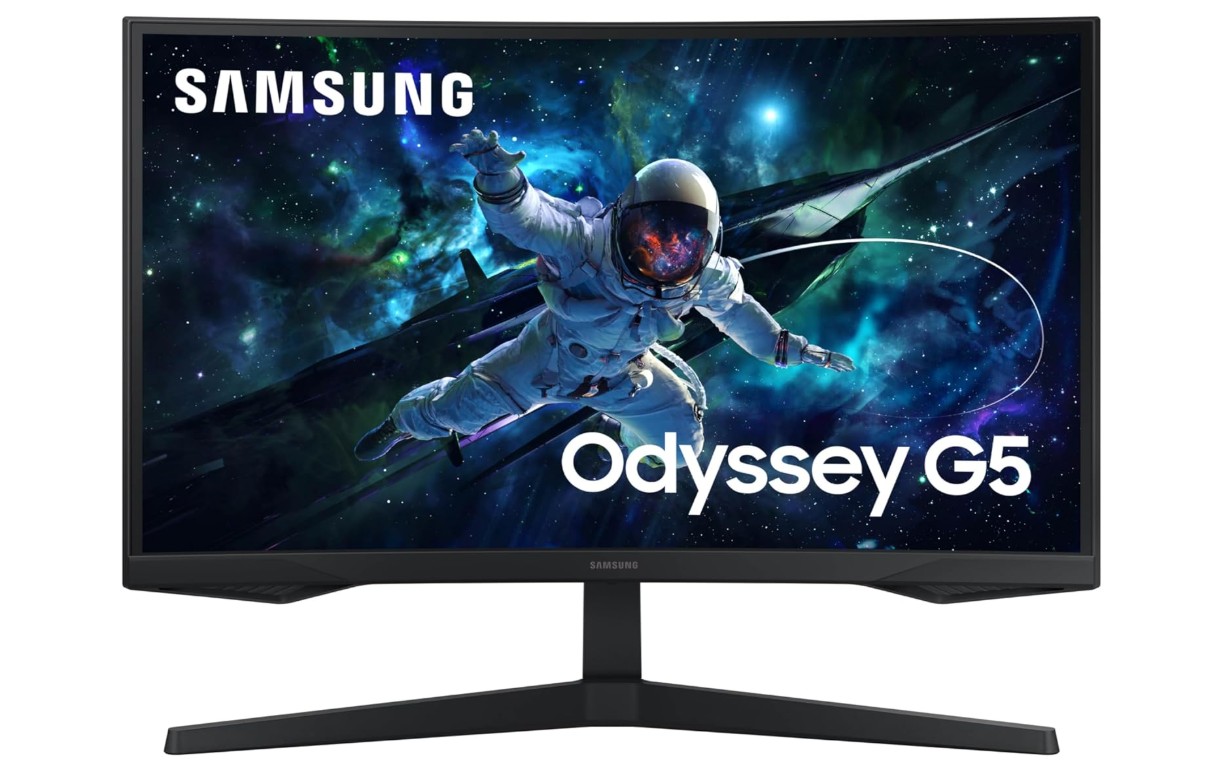
Samsung 27-Inch Odyssey G55C Series QHD 1000R Curved Gaming Monitor
Samsung 27-Inch Odyssey G55C Series QHD 1000R Curved Gaming Monitor
This monitor stands 3rd in my list, not because of its brand name, but because it has some good features for such a price tag. The Samsung Odyssey immerses you in the action with its aggressive 1000R curvature and 27-inch 2560×1440 QHD VA panel. With its claimed 1 ms response time (MPRT) and refresh rate of 165 Hz, it has the specifications to handle fluid motion and fast-paced games. Consumers praise the display’s vibrant colors and crisp clarity, particularly when using it for multimedia and gaming.
Regarding connectivity, it has standard ports (DisplayPort 1.2, HDMI 2.0) that accommodate common PC configurations and support AMD FreeSync for smoother frame rates. In order to lessen strain during longer sessions, it also has Eye-Care modes like flicker-free backlighting and low blue-light settings.
The monitor does have some drawbacks, though. Motion handling and input lag were criticized by RTINGS reviewers, who observed smearing with fast-moving objects, higher latency at 165 Hz, and lower refresh rates. HDR content doesn’t always shine because of the basic HDR capability, which lacks local dimming and has modest brightness. Additionally, viewers observe that the stand’s ergonomics are limited, providing little room for adjustment.
In summary, this model offers a captivating viewing experience and a high resolution and refresh rate for a reasonable price if you’re looking for a curved gaming monitor. Just be advised that there are better options in those particular dimensions if you are primarily concerned with top-tier HDR or lightning-fast response in eSports games.
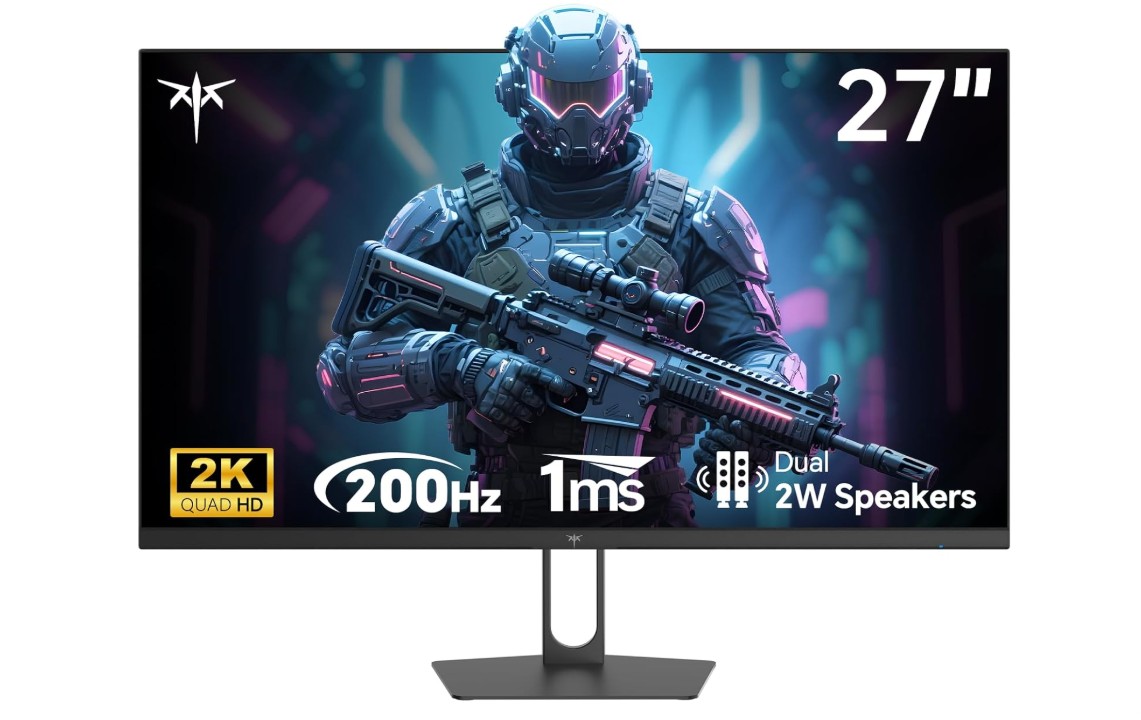
KTC 27 Inch Gaming Monitor
KTC 27 Inch Gaming Monitor
With its 27′′ 2560×1440 IPS, up to 210 Hz refresh rate, 1 ms response time, HDR400, and 131% sRGB gamut, the KTC offers remarkable specifications at an affordable price. Users emphasize how vivid colors and smooth motion compete with more expensive monitors.
Gamers adore its high refresh rate and fast IPS panel; when using the “Standard” overdrive mode, reviewers noticed very little motion blur and ghosting. Although factory calibration may be a little off (oversaturation in native mode, mild green tint in sRGB), color coverage is also strong, with the wide gamut producing punchy visuals.
This monitor lacks some high-end features, which is a drawback. There isn’t any height, swivel, or pivot adjustment available on the stand, which restricts ergonomic flexibility. Blacks appear washed, and there is some backlight bleed in darker scenes, which are typical IPS limitations in contrast and dark-scene performance.
Although it has good connectivity (DP 1.4 ×2, HDMI 2.0 ×2), it is devoid of contemporary ports like USB-C and an integrated USB hub. Finally, there are complaints of inconsistent build quality and sluggish brand support, even though most user impressions are favorable.
All things considered, the H27T22C-3 offers excellent value for gamers seeking high refresh, 1440p clarity, and good color at a competitive price. Just be advised that, in comparison to more expensive competitors, its ergonomic and premium feature set is limited.
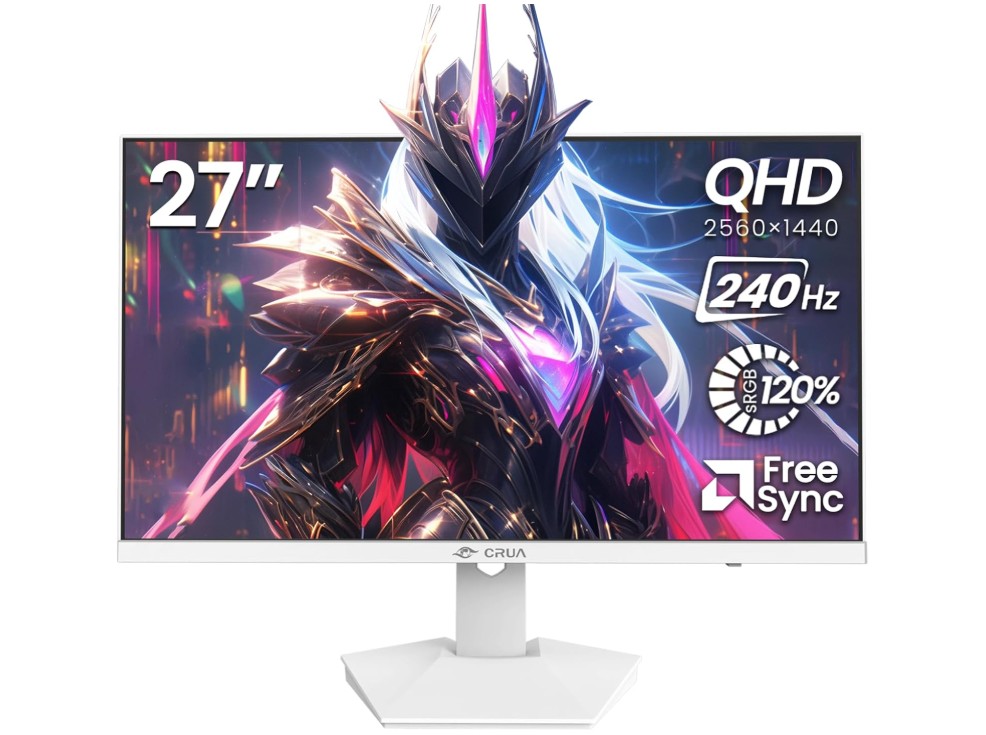
CRUA 27″ 240Hz Gaming Monitor
CRUA 27″ 240Hz Gaming Monitor
For gamers looking for speed and detail, the CRUA 27″ 240Hz gaming monitor offers a tempting combination of specifications. Sharp images are produced by its 2560 x 1440 IPS panel, and it can easily handle fast-paced action thanks to its 240 Hz refresh rate and 1 ms response time. While built-in speakers and a blue-light filter enhance comfort and convenience during extended sessions, the wide 120% sRGB gamut adds vibrancy to colors.
In actual use, users find that the adaptive sync (AMD FreeSync) and smooth refresh rate greatly minimize tearing and stuttering, which makes it ideal for competitive gaming. Additionally, the QHD resolution is well-suited for daily productivity and engaging single-player games. The dual HDMI 2.0 + DP 1.4 ports and wall-mountable design provide flexibility for both PC and console configurations.
There are, nevertheless, some significant trade-offs. User forums reveal reports of dead pixels, occasional signal drops, and inconsistent build reliability, suggesting that quality control is weak. Furthermore, don’t expect deep HDR immersion because the specs sound high-end, but the HDR performance is mediocre. The high refresh rate that can be achieved is also impacted by firmware/cable sensitivity, according to some users.
This CRUA monitor is a great option if you’re on a tight budget and want a 1440p display with ultra-high refresh. Just be advised that in order to fully utilize your unit’s potential, you may need to carefully inspect it and make sure you have the proper cables and settings.
Buying Guide: 27 Inch Gaming Monitor Under $300
One of the best investments you can make for a PC or console setup is to purchase a 27-inch gaming monitor for less than $300. A true 1440p panel, high refresh rates (120–240 Hz depending on the model), adaptive sync support, and respectable color are frequently available at this price. These features were previously much more expensive. This guide helps you choose the best 27-inch monitor for your needs by explaining what matters, what trade-offs to anticipate, and providing helpful advice.
Who this guide is for
This guide helps three common buyers:
• Competitive gamers who prioritise low input lag and high refresh;
• Casual/immersive gamers who want sharp 1440p visuals and good color;
• Console owners who want a versatile monitor that handles PS5/Xbox and modern GPUs.
The core specs explained (what really matters)
Resolution
The ideal 27-inch resolution is 2560 x 1440 (QHD), which is notably sharper than 1080p but still within the range of midrange GPUs at high frame rates. Although it looks less sharp, 1080p 27′′ is fine if your GPU is having trouble. (Frequently mentioned in buyer guides and product reviews.)
Refresh rate
For responsiveness and smoothness, higher is preferable. Gamers need at least 144 Hz, while today’s affordable 27-inch models typically have 165–240 Hz. Try to get the maximum refresh rate possible with your GPU if you play eSports games.
Response time & input lag
For fast games, low system input lag and low grey-to-grey response times (1–4 ms) are important. Look for measured reviews because the manufacturers’ stated MS figures can be overly optimistic.
Panel type
While TN prioritizes speed over color (rare at 27″ QHD in this price range), VA offers stronger contrast (deeper blacks) but occasionally slower pixel transitions. IPS offers the best color and viewing angles. Decide if you value contrast or color more.
Adaptive sync
Tearing and stuttering are reduced by FreeSync (AMD) and G-Sync Compatible (NVIDIA). Make sure the monitor advertises support for VRR and look for reviews indicating that it is stable if you intend to use it.
HDR
The majority of low-cost monitors have basic HDR (HDR400), which enhances highlights but is devoid of true HDR contrast and local dimming. Consider HDR as an addition rather than full cinema HDR at this price point.
Connectivity
For the highest refresh at QHD, DisplayPort is required; in certain models, HDMI 2.0 may be limited to a lower refresh. For PC + console, multiple inputs (DP + 2× HDMI) are ideal. Verify the port versions.
Ergonomics & stand
Although they are nice, height adjustment, tilt, swivel, and pivot are frequently unavailable on low-cost models. Monitors with fully ergonomic stands should be given priority if adjustability is important, or a VESA arm should be used.
Typical trade-offs under $300
• HDR is usually basic (no FALD/local dimming).
• Peak brightness and contrast won’t match premium monitors.
• Factory calibration varies — you may need to tweak color profiles.
• Some budget units show IPS glow, backlight bleed, or motion artifacting; read measured reviews.
Final recommendation (how to decide)
Resolution and refresh should be given top priority for most $300 budget buyers. The best balance of responsiveness and visuals can be found with a 27-inch 1440p panel running at 144–165 Hz with DisplayPort and FreeSync support. Consider a VA model if you like darker blacks and more dramatic contrast in single-player games; choose an IPS panel if you require color accuracy and a wider viewing angle for streaming or content creation. Before making a purchase, check a reliable, unbiased review.

Jawad is a passionate tech enthusiast and writer who loves exploring the latest trends in hardware, gadgets, and digital innovation. With a sharp eye for performance and value, he delivers in-depth recommendations and buying guides to help readers make smarter tech decisions.