
Last Updated on February 9, 2026 by Jawad
Introduction
A mouse for office work is an important tool that many people use every day, often for long hours. Whether you are working from home, in an office, or studying, the right mouse can make your daily tasks easier and more comfortable. Office work usually includes activities like typing documents, browsing the internet, managing emails, working on spreadsheets, and attending online meetings. For these tasks, you do not need a gaming mouse with flashy lights, but you do need a mouse that is smooth, accurate, and comfortable to use.
Comfort is one of the most important things to look for in an office mouse. Since your hand rests on the mouse for hours, a good shape helps reduce hand and wrist pain. Many office mice are designed to fit the natural shape of your hand, making them easy to hold and move. Some people also prefer silent-click mice, especially in shared offices or quiet rooms, because they reduce noise and help maintain focus.
Another key factor is ease of use. Office mice are usually simple and reliable, with easy plug-and-play setup. Wireless mice are very popular for office work because they keep the desk clean and free from cables. They often have long battery life, sometimes lasting months or even a year. Wired mice are also still a good option for those who want a stable connection without worrying about batteries.
Accuracy and smooth movement are also important for office tasks. A mouse with adjustable sensitivity allows you to control how fast the cursor moves, which is helpful when switching between detailed work and general browsing. Extra buttons on some mice can be useful for tasks like going back and forth between pages, saving time during work.
Overall, a good office mouse improves comfort, productivity, and focus. Choosing the right one can make daily computer work less tiring and more enjoyable.
We also have a recommendation for the Best Gaming Mouse Under $30, so make sure to check that out too!
Top Mouse for Office Work




Logitech M510 Wireless Mouse
Logitech M510 Wireless Mouse
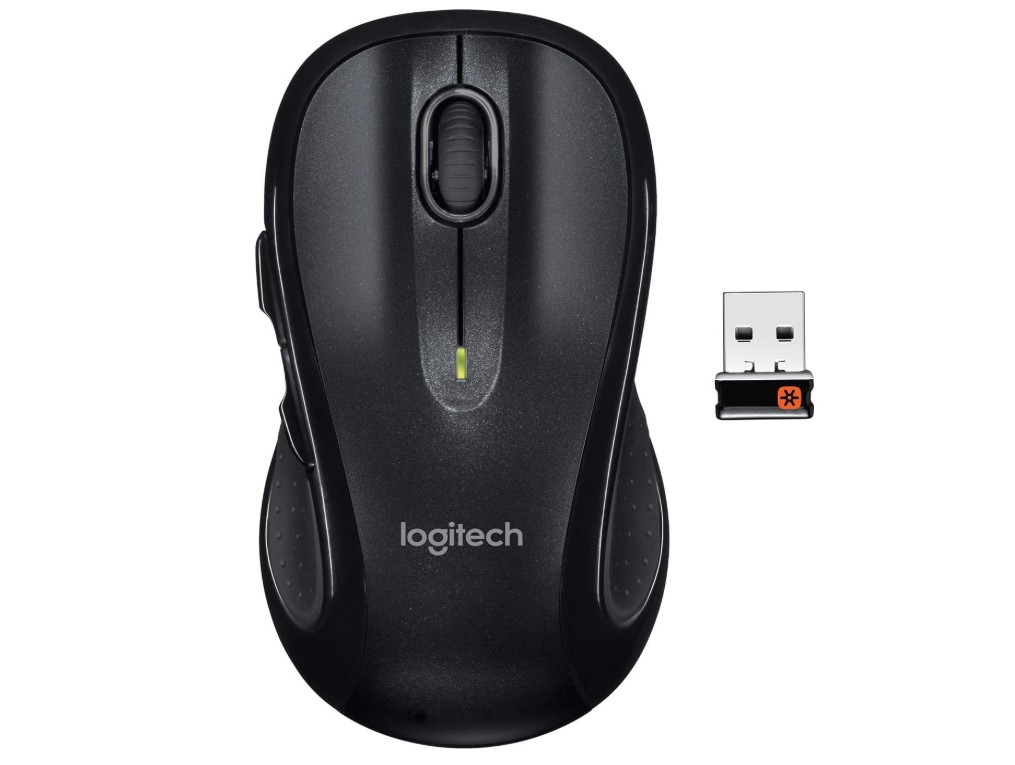
The Logitech M510 Wireless Mouse in black is a reliable and comfortable choice for everyday office work. From the moment you start using it, you notice that it feels solid and well-built without being heavy. The shape of the mouse fits comfortably in your hand and supports your palm, which helps reduce strain during long hours of work. This makes it a good option for people who spend many hours each day using a computer for typing, browsing, or managing documents.
Setting up the mouse is very easy. You just plug the small USB receiver into your computer and it works right away without needing extra software. The wireless connection feels stable and responsive, so you do not experience delays or interruptions when moving the cursor or clicking. This smooth performance is helpful when switching between different tasks like writing emails, scrolling through spreadsheets, or working on presentations.
The M510 has five buttons, including back and forward buttons that are useful when browsing the internet or moving through folders. The scroll wheel feels smooth and precise, and it also allows horizontal scrolling, which can be helpful in wider documents or spreadsheets. The sensitivity of the mouse is good for office use—accurate enough for detailed work but not too fast for general navigation.
Battery life is another advantage. With two AA batteries, this mouse can last for a long time before needing new ones. This low maintenance is convenient because you do not have to worry about charging often. The black color gives it a professional look that matches most desk setups.
Overall, the Logitech M510 Wireless Mouse is a solid, no-nonsense tool for office work. It offers comfortable use, dependable wireless performance, useful buttons, and long battery life. For everyday tasks around the office, it gets the job done without any fuss.
Logitech M500s Advanced Corded Mouse
Logitech M500s Advanced Corded Mouse
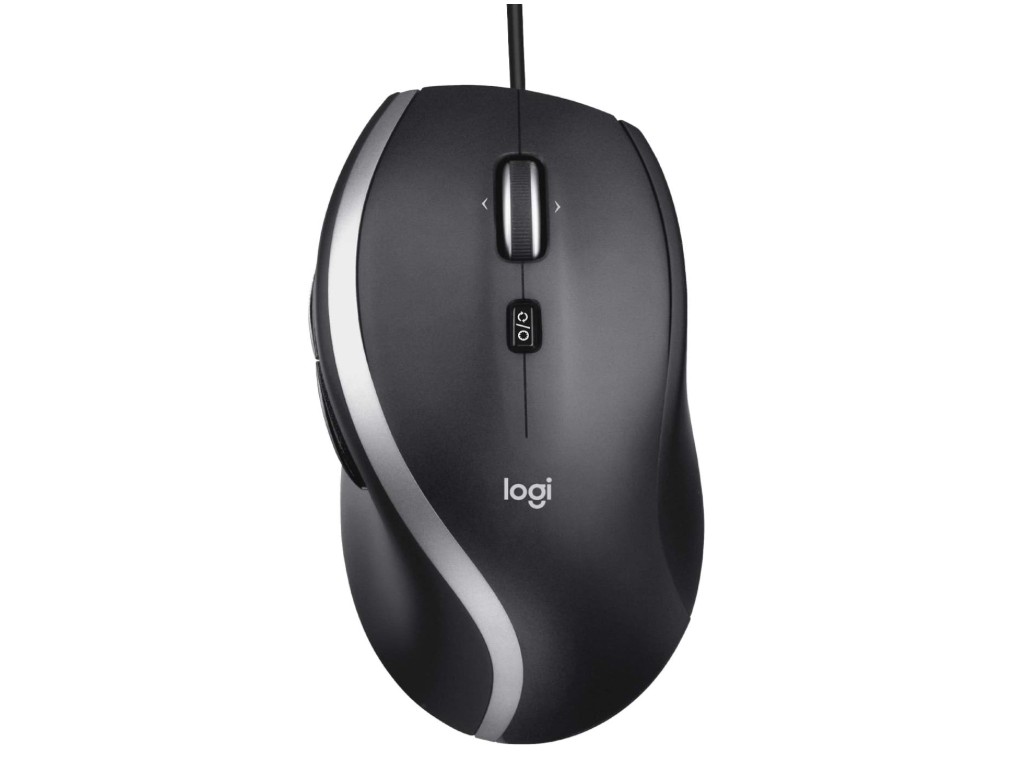
The Logitech M500s Advanced Corded Mouse is a solid choice for office work and everyday computer tasks. Right away, you notice that it feels sturdy and well-made, with a shape that fits comfortably in your hand. This is important when you are using a mouse for long hours writing emails, editing documents, or working in spreadsheets. The corded design means you do not have to worry about batteries or charging, and the USB plug-and-play setup works instantly on most computers.
Using the mouse feels smooth and precise. The high-precision tracking helps the cursor move accurately, which makes it easier to click small icons, select text, or navigate complex Excel sheets. The scroll wheel is especially useful because it has hyper-fast scrolling. You can quickly move through long web pages or large documents without having to scroll many times, and the tilt feature allows horizontal scrolling, which can be helpful when working on wide spreadsheets or presentations.
The M500s also has seven buttons, and many of them can be customized. This means you can assign functions you use often, like copy, paste, or back and forward in your browser, to these buttons. Custom actions can save time and make your work feel more efficient. The DPI switch lets you change the sensitivity of the mouse on the fly, so you can choose slower movement for careful work or faster movement when you just want to move around the screen quickly.
Because the mouse is corded, there is no delay or chance of wireless interference, which some people prefer for reliability. The cable is long enough to give you freedom on your desk without feeling tight. Overall, the Logitech M500s Advanced Corded Mouse is reliable, precise, and comfortable, making it a good fit for anyone who wants a dependable mouse for office and everyday computer use.

TECKNET USB Wired Mouse
TECKNET USB Wired Mouse
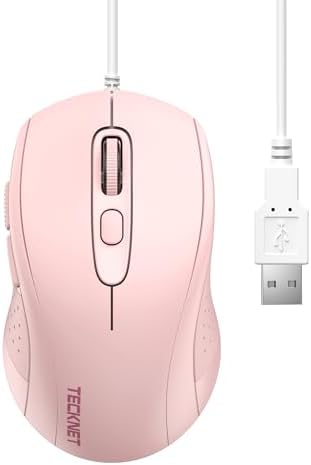
The TECKNET USB Wired Mouse in pink is a simple and reliable choice for everyday office work. From the first time you use it, you notice that it feels comfortable in your hand, with a shape that supports your palm during long hours of typing, browsing, and clicking. Because it is a wired mouse, you just plug it into your computer and start working right away without needing to install software or charge batteries. This makes it very easy to use, especially if you want something that works straight out of the box.
One good feature of this mouse is its adjustable DPI. You can switch between four levels of sensitivity, which means you can make the cursor move faster or slower depending on what you are doing. This is helpful when you switch between detailed tasks like selecting small text and general tasks like scrolling through a long document. The tracking is smooth and accurate, so the cursor moves where you want it to go without any delays or jumps.
This mouse has six buttons, including forward and back buttons that are useful when you are browsing the web or moving through folders. These extra buttons can save time and make your work feel more efficient. The cable is long enough to give you freedom to position the mouse where it is most comfortable on your desk.
Because the mouse is ergonomic, it feels natural to hold and can help reduce hand fatigue during long work sessions. The pink color also adds a fun touch to your workspace, but the performance is what matters most, and this mouse delivers solid performance for everyday office tasks.
Overall, the TECKNET USB Wired Mouse is a dependable and easy-to-use mouse that works well for office work, homework, and general computer use.
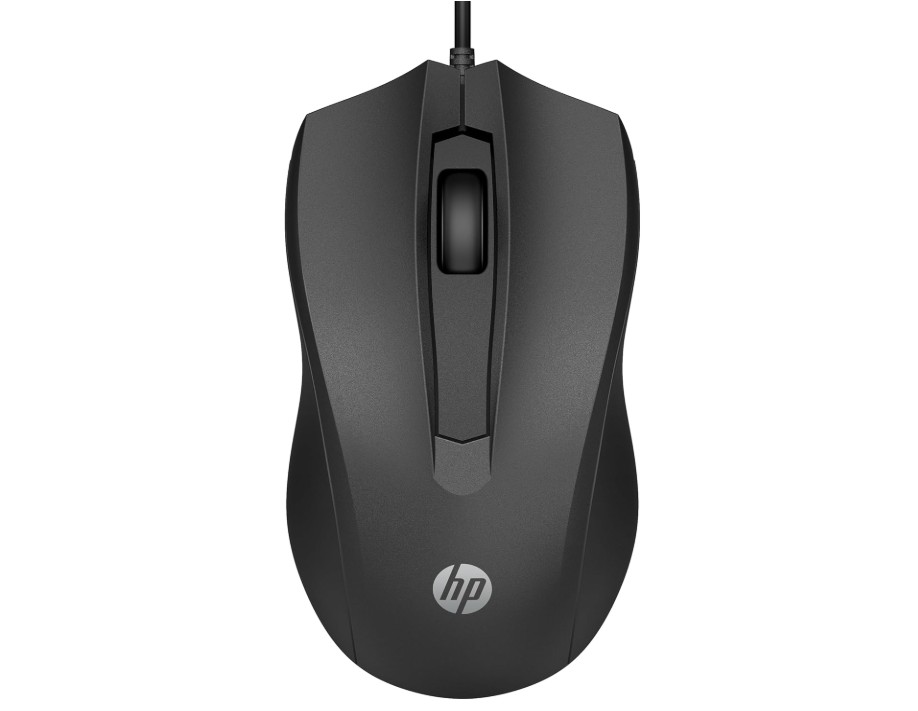
HP Wired Mouse 100
HP Wired Mouse 100
The HP Wired Mouse 100 is a basic and dependable mouse that works well for everyday office tasks. From the moment you plug it into your computer, it starts working without the need for extra setup or software. This makes it a good choice for people who want a simple mouse that just works. The wired connection means you do not have to worry about batteries or charging, and you will not experience delays or dropped signals while working.
The mouse feels comfortable in your hand because of its ambidextrous design. This means it works well for both right-handed and left-handed users, and the shape is easy to hold during long hours of typing, browsing, and clicking. The buttons are quiet and responsive, and the built-in scroll wheel makes it easy to move up and down on web pages, documents, and spreadsheets.
The 1600 DPI optical sensor gives accurate and smooth tracking, which helps you move the cursor exactly where you want it. This accuracy is helpful when you are working on detailed tasks like selecting text, editing spreadsheets, or organizing files. The mouse is not too fast or too slow, and it feels just right for most office tasks.
Because this mouse is simple and lightweight, it is ideal for everyday users who do not need extra buttons or advanced features. It has the standard three buttons, which are enough for most office work. The USB connection ensures a stable performance, and you can use it with laptops, desktops, and even some tablets that support USB mice.
Overall, the HP Wired Mouse 100 is a solid and affordable option for office work. It offers reliable performance, comfortable use, and easy setup, making it a good choice for students, professionals, and anyone who needs a basic mouse for daily computer use.

Microsoft Basic Optical Mouse
Microsoft Basic Optical Mouse
The Microsoft Basic Optical Mouse in black is a simple and reliable choice for office work and everyday computer tasks. From the moment you plug it into your PC or laptop, it works without any setup needed. This makes it easy for anyone to start using right away, whether you are checking emails, writing documents, or working on spreadsheets. The wired USB connection means you do not need to worry about batteries or charging, which can save time and keep your desk clear.
The mouse has an ergonomic shape that fits comfortably in both your right and left hand. This is helpful during long hours of use because it feels natural to hold and does not cause much strain. The buttons are easy to click, and the scroll wheel moves smoothly, making it simple to scroll through web pages or long documents without trouble. The optical tracking feels accurate and responsive, so the cursor moves exactly where you want it to go on the screen.
Because this mouse is basic, it does not have extra buttons or advanced settings, but for most office tasks, that is not a problem. It gives you just what you need: comfortable use, reliable movement, and simple controls. This makes it a good option if you want something that is straightforward and gets the job done without confusion or extra features you might not use.
The design is plain but professional, so it fits well in any workspace, whether at home or in the office. It is also lightweight, so you can easily carry it with your laptop when you are traveling or working in different places.
Overall, the Microsoft Basic Optical Mouse is a solid choice for everyday office work. It is dependable, comfortable, and easy to use, making it suitable for students, professionals, and anyone who needs a basic mouse for daily tasks.
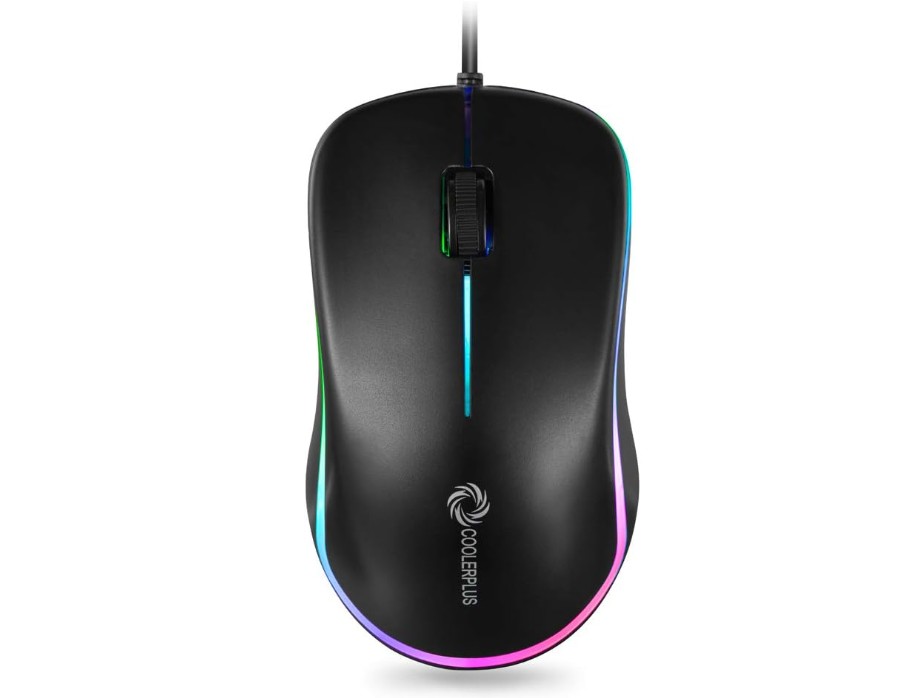
FC112 USB Optical Wired Computer Mouse
FC112 USB Optical Wired Computer Mouse
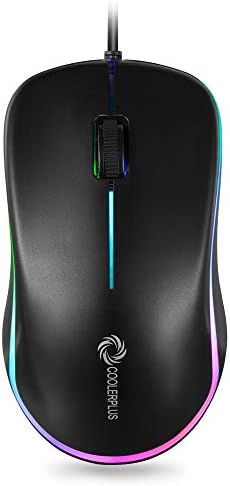
The COOLERPLUS FC112 USB Optical Mouse is a simple and practical mouse designed for everyday office and home use. It is a wired mouse, so you can just plug it into your computer’s USB port and start using it right away. There is no need to install drivers or worry about batteries, which makes it a convenient option for people who want something easy and reliable for daily work.
This mouse feels lightweight and comfortable in the hand, especially for basic office tasks like typing documents, browsing the internet, checking emails, and working with files. Its compact and portable design also makes it a good choice if you often move between workspaces or use a laptop. The easy-click buttons are soft and quiet, which is helpful in offices or shared rooms where loud clicking can be distracting.
The 1000 DPI optical sensor provides smooth and accurate cursor movement. For normal office work, this sensitivity feels well balanced. The cursor is not too fast and not too slow, making it easy to select text, click small icons, and scroll through documents. The scroll wheel works smoothly and helps you move through long pages or spreadsheets without any trouble.
Because the mouse has a basic three-button layout, it is very easy to use, even for beginners. There are no extra buttons or complicated settings, which many office users actually prefer. The black color gives it a clean and professional look that fits well with most desk setups.
Overall, the COOLERPLUS FC112 USB Optical Mouse is a good choice for simple office work. It offers dependable performance, comfortable use, and quick setup at an affordable level. If you need a no-nonsense mouse for daily computer tasks at home or in the office, this mouse does the job well.
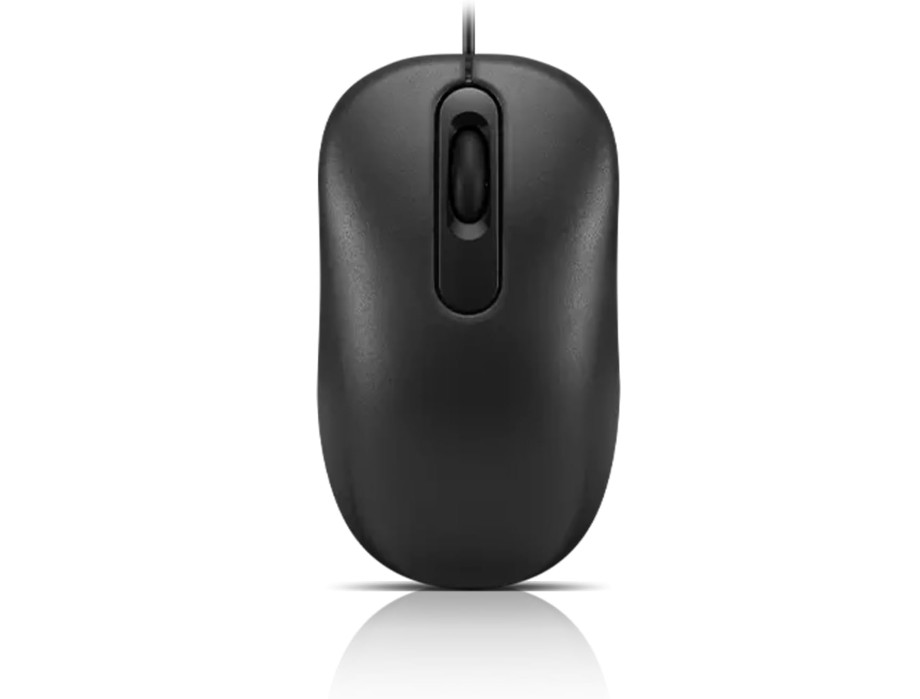
Lenovo 100 Wired USB Computer Mouse
Lenovo 100 Wired USB Computer Mouse
The Lenovo 100 Wired USB Mouse is a straightforward and reliable mouse that works well for everyday office tasks. It connects to your computer with a USB cable, so you just plug it in and start using it right away. There is no software to install and no batteries to worry about, which makes it easy to use for anyone. This simple setup is great for people who want a mouse that works without any fuss.
The shape of the mouse is comfortable for long hours of work. Its full-size and ambidextrous design means it fits well in both right and left hands. Whether you are writing emails, browsing the internet, or working on documents and spreadsheets, the Lenovo 100 feels natural to hold. The buttons click smoothly, and the scroll wheel moves gently, helping you scroll through long pages without trouble.
The red optical sensor tracks your movement accurately. For everyday office jobs, the cursor moves smoothly and stops where you expect it to, which is important for selecting text, clicking icons, or editing files. You will not notice delays or jumps while moving the mouse, and the stable wired connection means there is no lag.
Because this mouse is simple, it does not have extra buttons or advanced features. But for most office work, you do not need them. The basic three-button design is enough to handle everyday tasks, and the mouse feels steady and dependable.
The black color gives it a professional look that fits any workspace, whether at home or in an office. The Lenovo 100 is also lightweight, so you can easily move it around or carry it with your laptop when you are traveling.
Overall, this mouse is a good choice for anyone who needs an affordable, comfortable, and easy-to-use device for office work. It does exactly what you need without any extra features you may not use.
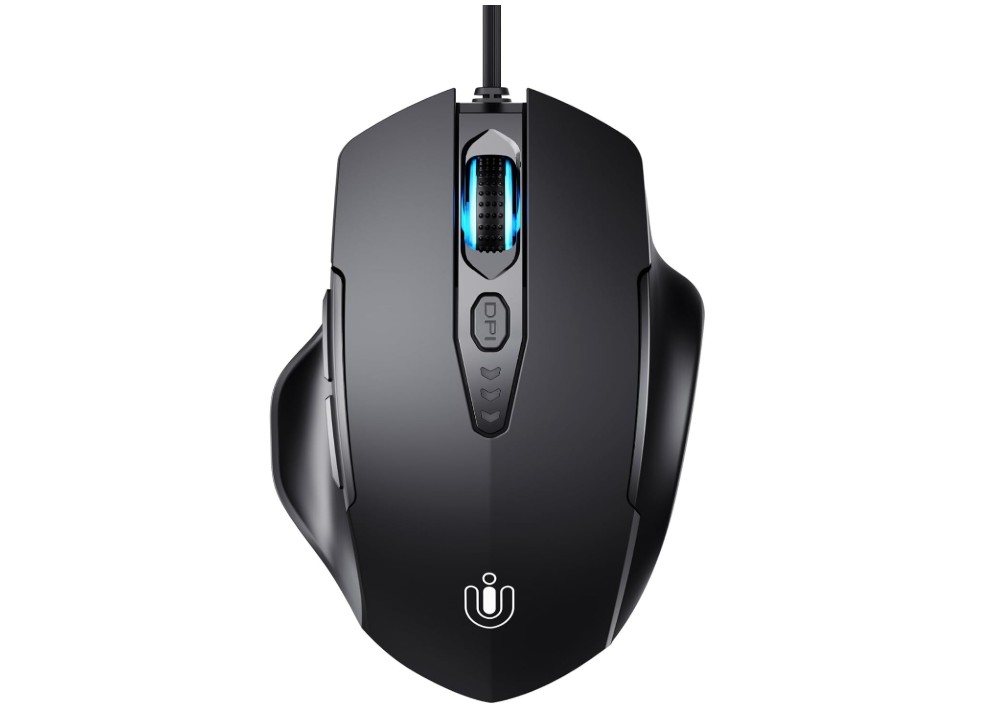
Uineer Wired Mouse
Uineer Wired Mouse
The Uineer Wired Mouse in matte black is a good choice if you want a comfortable and functional mouse for office work. From the first time you use it, you can feel that the shape is designed to fit your hand well. The ergonomic design helps reduce hand fatigue during long hours of typing, clicking, and scrolling through documents or web pages. Because it is a wired mouse, you do not need to worry about batteries, charging, or losing connection. You just plug the USB cable into your computer and it starts working right away.
One of the best features of this mouse is the adjustable DPI, which goes up to 7200. This means you can change the sensitivity of the cursor to match your work style. For example, you can choose a lower speed for detailed tasks like editing text and a higher speed for quickly moving the cursor across the screen. The tracking feels smooth and accurate, so the cursor moves exactly where you want it to go. This makes tasks like selecting text, clicking small icons, or switching between windows easier and faster.
The Uineer mouse also has six buttons, including extra side buttons. These buttons can be useful for office tasks, such as going forward and backward in your internet browser or setting shortcuts for actions you often use. This can help save time and make your workflow more efficient. The buttons are responsive and feel good to click, which makes daily use pleasant.
The long 1.5 m USB cable gives you plenty of freedom to place the mouse comfortably on your desk. The matte black color looks professional and matches most computer setups. Overall, the Uineer Wired Mouse offers good performance, comfort, and useful features for office work, making it a solid and reliable mouse for everyday use.
Mouse for Office Work — Buying Guide
A good office mouse makes everyday computer work faster and less tiring. This guide explains what matters, why it matters, and how to pick the right mouse for your workflow, budget, and body. I keep things simple and practical so you can choose with confidence.
Ergonomics and hand health
Ergonomics is the single biggest factor for people who use a mouse many hours a day. Shape, size, and how your hand sits on the mouse change muscle load and wrist position. Some designs (vertical or angled mice) reduce wrist pronation and can lower forearm muscle load, though research shows results vary and not every design fixes conditions like carpal tunnel. Try to pick a mouse that lets your wrist stay relaxed and your forearm roughly straight; small changes in shape can make a big difference in comfort.
How to check fit: rest your hand on the mouse for a few minutes in the shop (or trial at home). Your fingers should land naturally on the buttons; you should not have to curl or stretch your wrist. If you type and use the mouse a lot, a slightly larger, contoured mouse often beats a tiny travel mouse.
Sensor, DPI and tracking
The sensor determines how smoothly and accurately the cursor moves. For office tasks, you don’t need gaming-level DPI. Most people are comfortable in the 800–1600 DPI range, with 1000–1200 DPI commonly recommended for single or dual monitors. Higher DPI can help on very large or 4K displays but may feel twitchy for precise pointing. If you switch between tasks, a mouse with a DPI button or adjustable settings is handy.
Also check the sensor type (optical vs laser). Modern optical sensors are accurate on most surfaces and are a safe, reliable choice for office use.
Wired vs wireless: pros and cons
Wired mice give a constant connection and never need charging — good if you want zero maintenance and slightly lower cost. Wireless mice free you from cables and keep desks tidy; modern wireless tech is reliable and battery life can be weeks or months depending on the model. Rechargeable wireless mice add convenience but do introduce a charging step. If you travel with a laptop, multi-device wireless (Bluetooth + USB dongle) is often worth the extra price. Choose wired when you prioritize simplicity and budget; choose wireless when desk neatness and mobility matter.
Buttons, wheels and productivity features
Extra buttons are useful in office work. Back/forward side buttons speed web navigation. A thumb button can be mapped to copy/paste, open apps, or paste frequently used text. A tilt wheel (horizontal scroll) helps when working in wide spreadsheets or timelines. For heavy multitaskers, look for programmable buttons and app-specific profiles — these let you set shortcuts for Excel, web browsers, or design software.
Grip style and size
Grip styles (palm, claw, fingertip) affect comfort:
- Palm grip: whole hand rests on the mouse — choose a larger, rounded mouse.
- Claw grip: fingers arch — mid-size mouse works well.
- Fingertip grip: only fingers touch — smaller mouse preferred.
Pick a mouse that matches how you naturally hold it.
Special options to consider
- Vertical mice: keep the wrist more neutral and can relieve strain for many users, though benefits vary by person. Try one if you have wrist pain.
- Trackballs: the ball stays under your thumb or fingers; you move the cursor without moving the arm. Good for small desks and users with limited arm mobility.
- Multi-device / multi-OS: useful when switching between laptop, work PC, and tablet.
- Silent-click mice: good for shared spaces or quiet offices.
- Ambidextrous designs: choose for left-hand users or shared workstations.
Battery, maintenance and longevity
For wireless mice check battery type (replaceable AA/AAA vs built-in rechargeable). Replaceable batteries are simple but cost over time; rechargeable mice are convenient but need periodic charging. Clean the mouse feet and sensor occasionally and avoid sticky surfaces. A well-built mouse can last several years; cheaper mice may feel fine short-term but wear faster.
How to test a mouse before buying
- Hold it in your normal working posture — does it feel natural?
- Try basic tasks (scrolling, selecting, dragging). Look for lag, jitter, or awkward finger placement.
- If possible, test with the apps you use most (Excel, browser, Slack). Program a side button and see if it helps.
- For online purchases, check return policy — many sellers allow easy returns so you can trial at home.
FAQs
A good office mouse should be comfortable for long use, accurate for scrolling and pointing, and reliable. Features like ergonomic shape, programmable buttons, and smooth scrolling help productivity.
Not really. For office work, a DPI between 800–1600 is comfortable and precise. Higher DPI is more useful for gaming or high-resolution monitors.
Yes — if you spend many hours at the computer, an ergonomic design can reduce wrist strain and fatigue.
Both are fine:
• Optical sensors work well on most surfaces and are accurate.
• Laser sensors track on more surfaces (like glossy desks) but can be overly sensitive.
Either is good for office use.
Very! Longer battery life means fewer charges or battery changes. Some mice last months to even years on one set of batteries.
Absolutely. Gaming mice often have precise sensors and extra features that translate well to office use—but they may cost more than basic office mice.
A quality mouse can last 2–5 years or more with regular use, depending on build quality and how often it’s used.
Final Thoughts
If you want a safe all-round pick and budget permits, look at well-reviewed productivity models from established brands (they focus on comfort, multi-device support, and long battery life). If cost is main concern, pick a simple wired or basic wireless mouse with an ambidextrous shape and at least 1000–1600 DPI. If you suffer wrist discomfort, try an ergonomic or vertical model and compare feel — small trials make a big difference.

Jawad is a passionate tech enthusiast and writer who loves exploring the latest trends in hardware, gadgets, and digital innovation. With a sharp eye for performance and value, he delivers in-depth recommendations and buying guides to help readers make smarter tech decisions.

