
Last Updated on February 11, 2026 by Jawad
Introduction
65% mechanical keyboards are a popular choice for people who want a clean, compact setup without giving up important keys. They are smaller than full-size and tenkeyless keyboards, but they still keep useful keys like the arrow keys and a few navigation buttons. This makes them a great balance between size and function. Because they take up less desk space, they are perfect for small desks, minimalist setups, and gaming stations where mouse movement space really matters.
One big reason people choose 65% mechanical keyboards is comfort and efficiency. With a shorter layout, your hands move less while typing or gaming, which can feel faster and more natural over long sessions. Gamers like them because the extra mouse space helps with aiming, while typists enjoy having arrow keys without needing a full-size keyboard. Many users find this layout easier to adapt to compared to smaller 60% keyboards.
Mechanical switches are another key benefit. These keyboards use individual switches under each key, which gives better feedback, faster response, and longer lifespan than regular membrane keyboards. You can choose different switch types, such as clicky, tactile, or linear, depending on how you like your keys to feel and sound. Many 65% keyboards also support hot-swappable switches, making it easy to change switches without soldering.
Most 65% mechanical keyboards come with useful features like RGB lighting, strong build quality, and wired or wireless connectivity. Some models even support Bluetooth and 2.4GHz wireless for multi-device use. Overall, a 65% mechanical keyboard is a smart choice for users who want performance, comfort, and a compact design in one simple package.
We also have a recommendation for the Best Mechanical Keyboards for Programming, so make sure to check that out too!
Top 65% Mechanical Keyboards


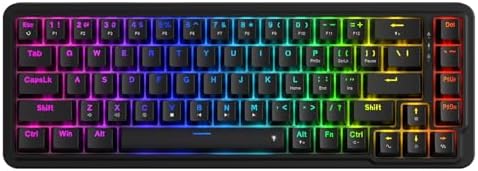


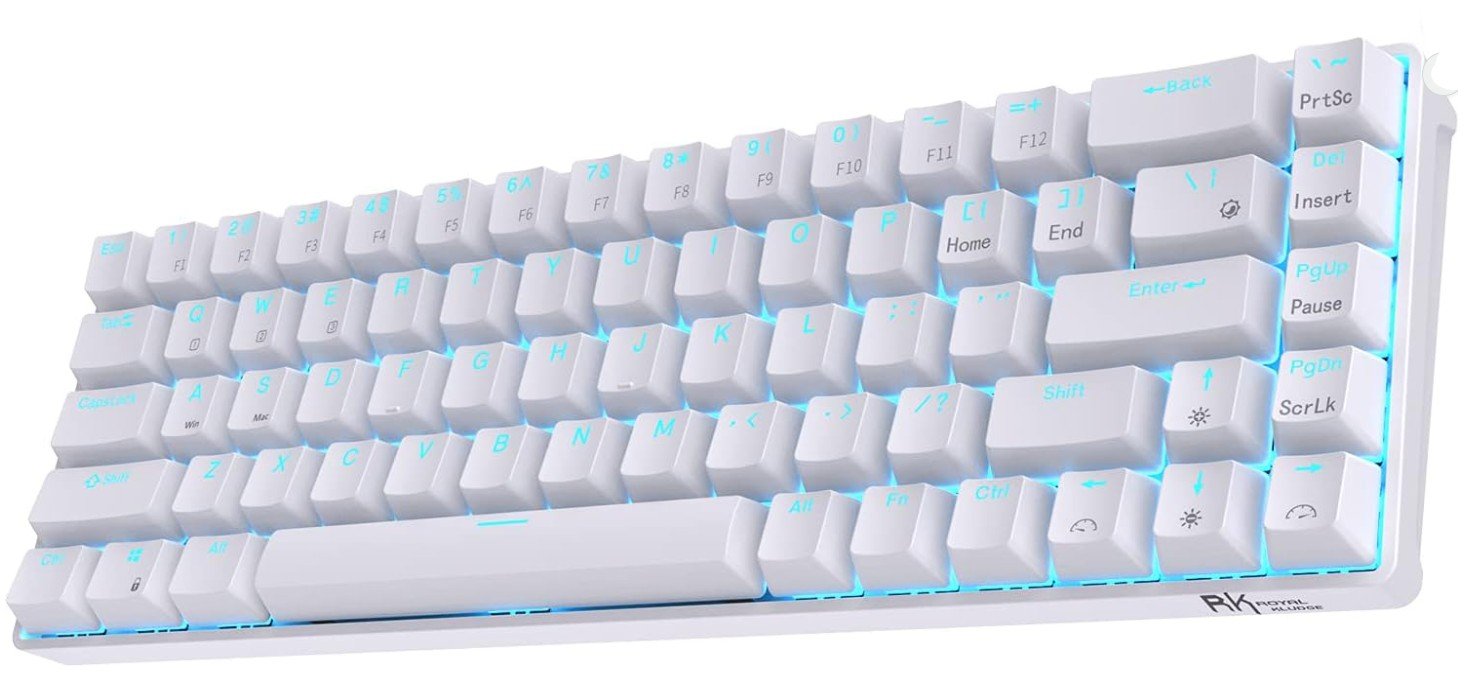
RK ROYAL KLUDGE RK68 65% Mechanical Keyboard
RK ROYAL KLUDGE RK68 65% Mechanical Keyboard
The RK Royal Kludge RK68 Wireless mechanical keyboard is a compact and fun keyboard that works well for both everyday typing and gaming. Its 65% size means it takes up less space on your desk, but it still keeps the arrow keys and other useful shortcuts that many smaller keyboards do not. This makes it a good choice for people who want something smaller than a full keyboard but still easy to use. The keyboard feels solid and well made, and it looks nice with RGB lighting that you can change to match your style or setup.
Typing on this keyboard feels smooth and comfortable. The tactile brown switches give a gentle bump when you press a key, which helps prevent mistakes and makes typing feel satisfying. If you like quieter typing, these switches are not too loud but still give good feedback. For gaming, the keys respond quickly, and the compact layout lets you keep your mouse space free. Many gamers enjoy the smaller size because it gives more room to move the mouse, which can help in fast games.
One great feature of this board is that it is hot-swappable. This means you can change the switches easily without needing to solder anything. If you want different key feels in the future, you can swap them out yourself. The RK68 also offers wireless Bluetooth 5.0, so you can connect it to phones, tablets, and computers without a cable. It also works with a cable if you prefer a wired connection.
Battery life is good for daily use, and the keyboard can last many hours before needing a charge. Overall, the RK68 is a strong option for anyone who wants a small, capable keyboard with a good mix of features, comfort, and flexibility.
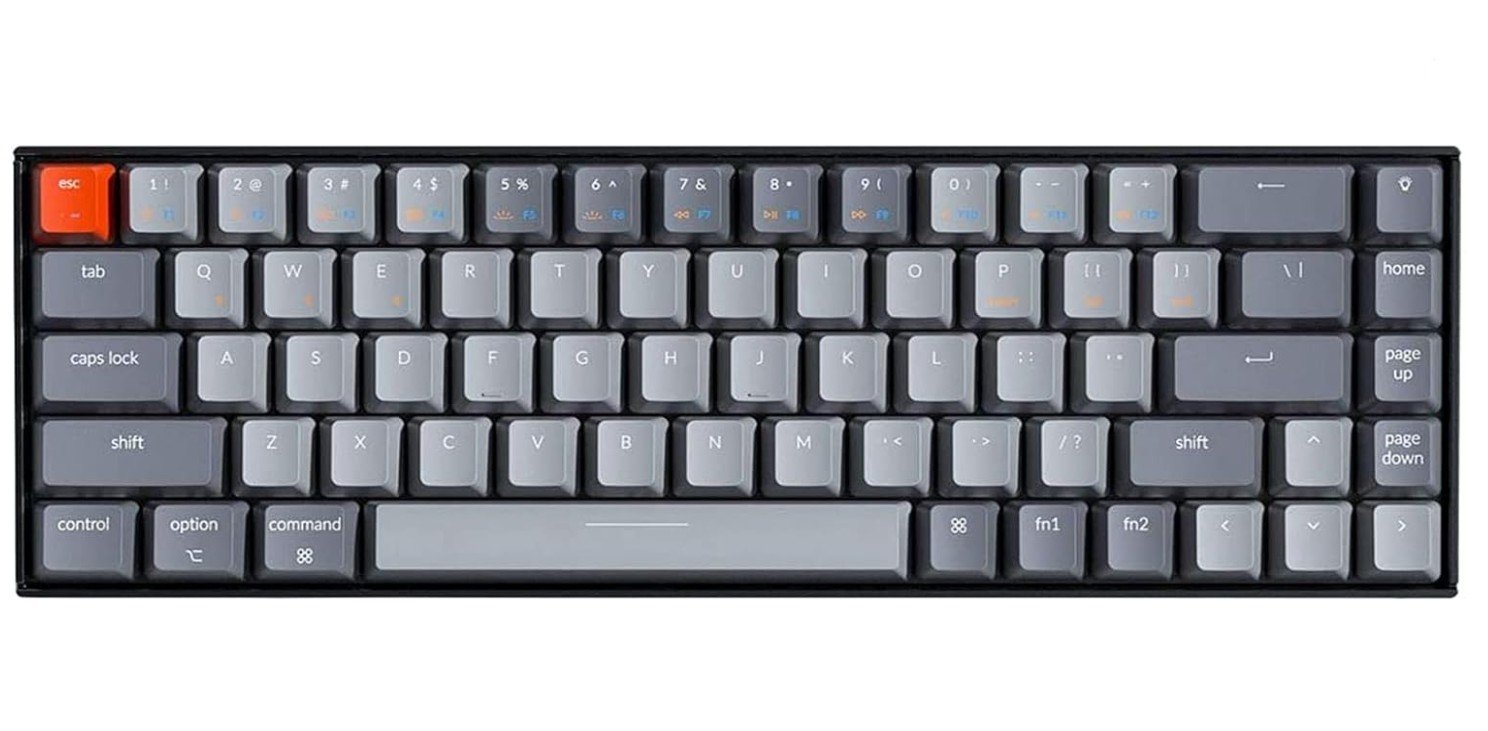
Keychron K6 Bluetooth 5.1 Wireless Mechanical Keyboard
Keychron K6 Bluetooth 5.1 Wireless Mechanical Keyboard
The Keychron K6 Bluetooth 5.1 wireless mechanical keyboard is a great option for people who want a compact and reliable keyboard for everyday use. Its 65% design means it has fewer keys than a full keyboard, but it still keeps all the important ones like arrow keys, which makes it easy to use without sacrificing space on your desk. This size is especially good for small work areas, gaming setups, and people who like a neat, clean look.
Typing on the Keychron K6 feels smooth and comfortable. The Keychron K Pro Brown switches give a gentle tactile feel with every keypress, so you know when a key is registered without making too much noise. This makes the keyboard good for both typing and gaming. The keys feel responsive and accurate, which helps reduce mistakes and makes long typing sessions easier on your fingers. The keyboard also has nice LED backlighting that you can adjust to your preference. The lighting adds a cool look and helps when working in low light.
One of the best features of this keyboard is its wireless Bluetooth 5.1 connection. You can pair it with phones, tablets, laptops, and desktops without using a cable. If you prefer a wired connection, you can plug in a USB-C cable and keep typing without worrying about battery. The rechargeable battery lasts many hours, so you do not need to charge often.
The Keychron K6 works well with both Mac and Windows systems, and it even includes extra keycaps for each operating system. This makes switching between devices easy. Overall, the Keychron K6 is a solid choice for anyone who wants a compact, comfortable, and flexible mechanical keyboard that works well for typing, gaming, and daily computing.
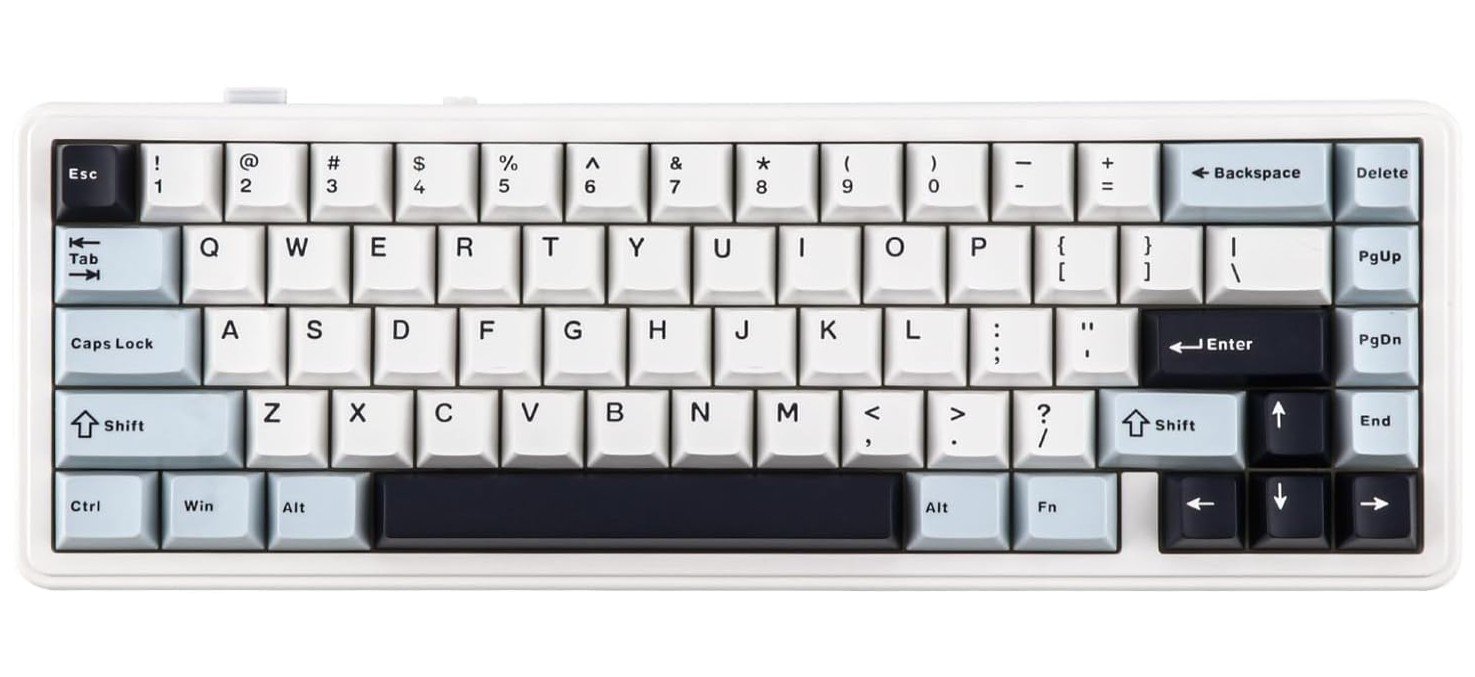
EPOMAKER x Aula F65 65% Wireless Mechanical Keyboard
EPOMAKER x Aula F65 65% Wireless Mechanical Keyboard
The EPOMAKER x Aula F65 65% wireless mechanical keyboard is a compact and stylish keyboard that works well for gaming and everyday use. Its smaller size means it takes up less space on your desk, but it still has all the important keys you need, including arrow keys and a simple layout that many people find easy to use. The light blue design gives it a fun look, and the RGB backlighting adds a nice touch that you can change to match your setup or mood.
Typing on this keyboard feels good because of the Reaper switches. These switches have a satisfying feel when you press the keys, and they respond quickly, which is helpful for both typing and gaming. The keyboard also uses a gasket mount system with five layers of padding. This helps keep the typing feel soft and quiet, which makes long typing sessions more comfortable and reduces noise. The keys feel stable and smooth, and many users enjoy how consistent each key press feels.
One great feature of this keyboard is the connectivity options. You can use it with Bluetooth, with a 2.4GHz wireless connection, or with a USB-C cable. This makes it easy to connect to different devices like laptops, tablets, or desktops. The battery life is good, and you can use the keyboard for long periods without needing to recharge often.
Another advantage is that the switches are hot-swappable. This means you can change the switches without any soldering if you want a different feel in the future. This is great for people who like customizing their keyboard.
Overall, the EPOMAKER x Aula F65 is a strong choice if you want a compact, comfortable, and customizable wireless mechanical keyboard that looks good and performs well for both work and play.
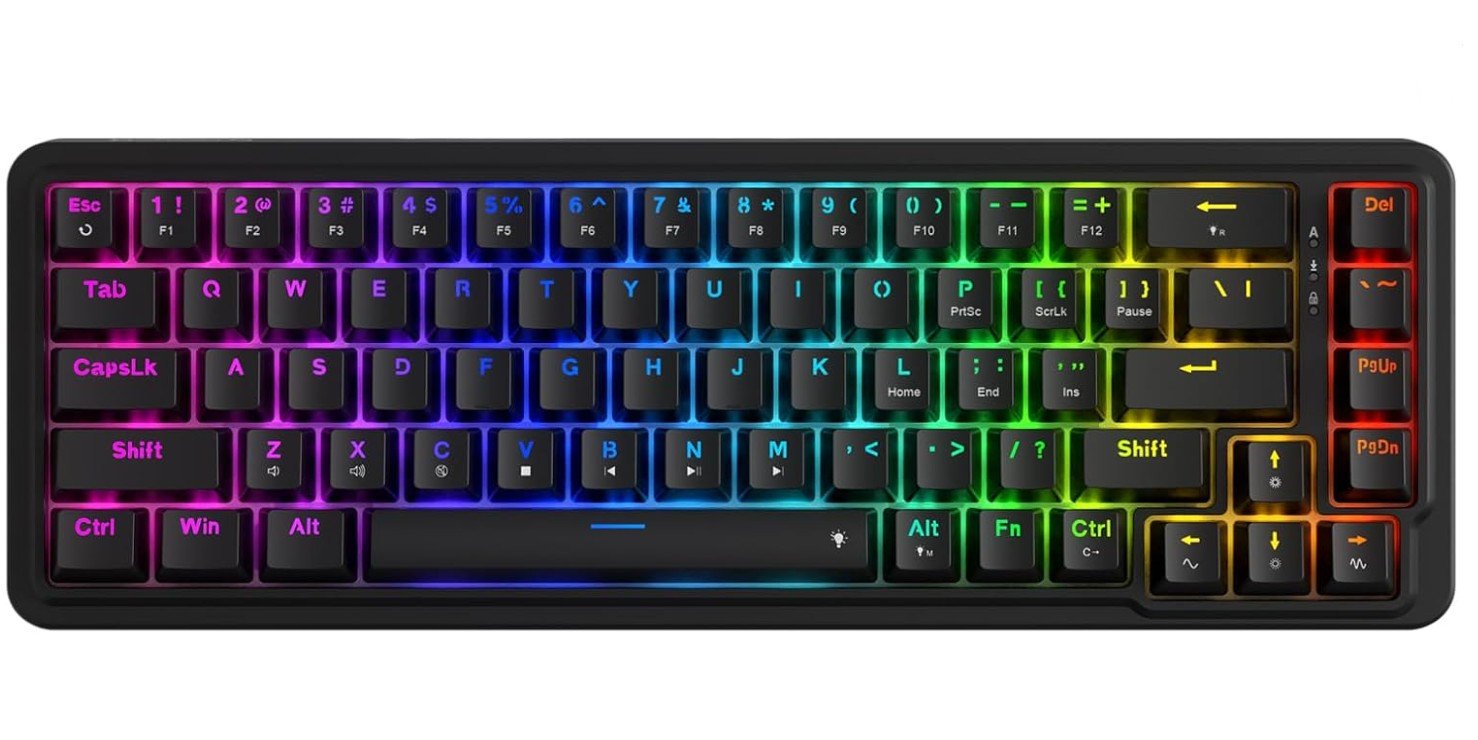
Redragon K709 65% Wired Gasket RGB Gaming Keyboard
Redragon K709 65% Wired Gasket RGB Gaming Keyboard
The Redragon K709 65% wired mechanical keyboard is a solid choice for anyone who wants a compact and reliable keyboard for everyday use or gaming. Its small size means it does not take up much space on your desk, which is great if you like a clean and simple setup. Even though it is small, it still has dedicated arrow keys, so you do not have to use tricky key combinations for basic navigation. This makes it easier to use than some other tiny keyboards.
Typing on the K709 feels smooth and satisfying thanks to its quiet linear switches. These switches are soft and not too loud, which makes the keyboard good for typing at home, in an office, or while gaming without disturbing others. The keys respond quickly and consistently, so your keystrokes feel accurate and reliable. The keyboard also has RGB backlighting, which lets you choose different lighting styles to match your mood or setup. The lighting looks cool and adds some flair to your desk.
One of the best features of this keyboard is its build quality. It uses a gasket mount design with three layers of noise dampening. This makes typing feel softer and quieter compared to keyboards without this feature. The hot-swappable sockets are also very useful because you can change the switches later without soldering. If you ever want a different feel or sound, you can easily swap in new switches.
Since this keyboard is wired, you get a stable and fast connection with no wireless lag. This is helpful for gaming and fast typing. Overall, the Redragon K709 is a great compact keyboard that combines comfort, performance, and customization, making it a good pick for both new users and keyboard enthusiasts.
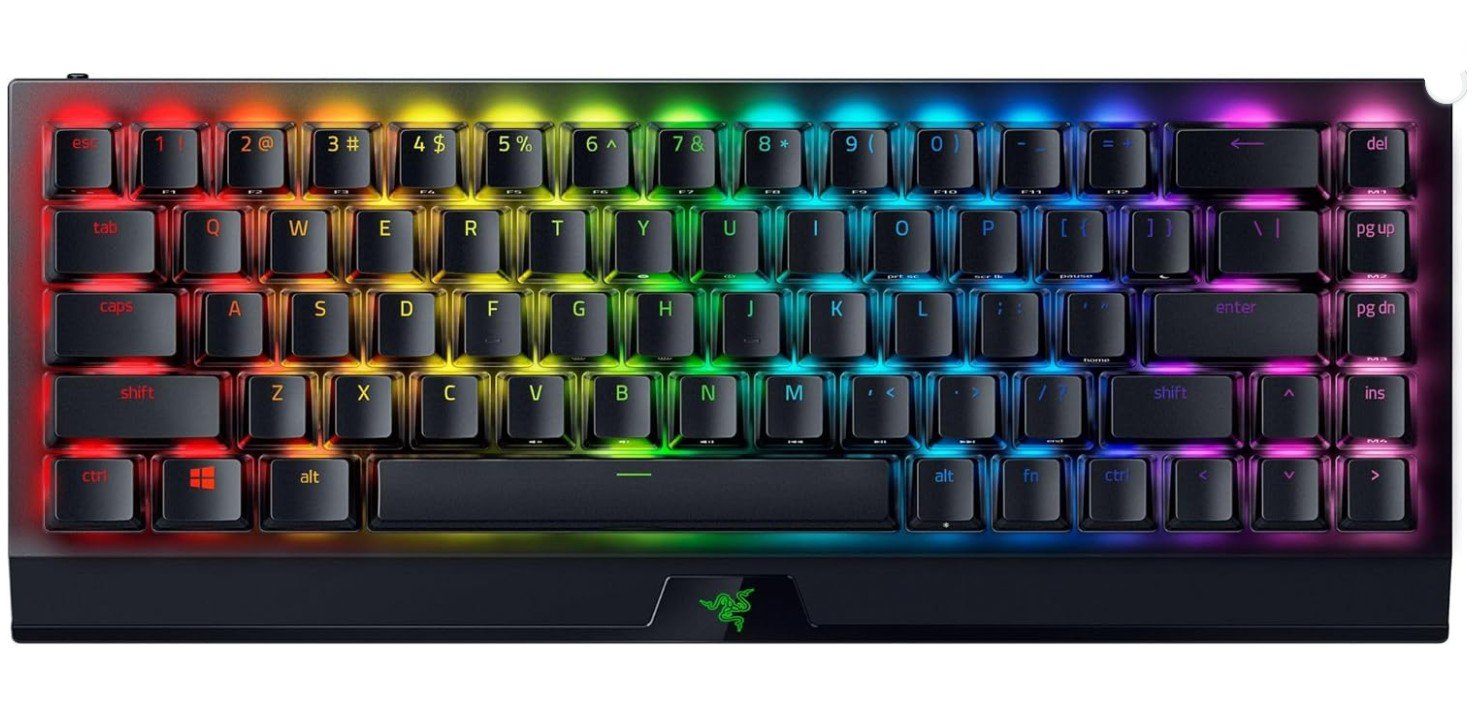
Razer BlackWidow V3 Mini HyperSpeed Mechanical Gaming Keyboard
Razer BlackWidow V3 Mini HyperSpeed Mechanical Gaming Keyboard
The Razer BlackWidow V3 Mini HyperSpeed wireless mechanical keyboard is a strong compact option that works well for gaming and everyday typing. Its 65% size means it saves space on your desk while still keeping arrow keys, which many smaller boards skip. The keyboard feels solid and responsive, and the Phantom pudding keycaps let more RGB light shine through for a bright, colorful look. The Razer Chroma RGB lighting can sync with games and other Razer gear, making your setup look more lively.
Typing and gaming feel smooth thanks to the linear Yellow switches. These switches are quiet and quick, making them good for fast gameplay and regular typing without loud clicks. You also get low-latency performance with Razer’s HyperSpeed wireless connection, so your inputs feel responsive even when playing competitive games. The keyboard can connect in three ways: HyperSpeed wireless, Bluetooth, or wired USB-C. Bluetooth support means you can pair with multiple devices and switch between them easily.
Battery life is excellent, lasting up to around 200 hours depending on lighting and use, so you won’t need to charge it often. Even with RGB effects on, you’ll still get many hours of battery before needing a recharge. The keyboard doesn’t come with a wrist rest, and because it has a compact layout, some function keys require using the Fn key. But overall the build feels sturdy and the key response is satisfying.
For anyone who wants a wireless 65% keyboard with strong battery life, smooth typing, and bright lighting, the BlackWidow V3 Mini HyperSpeed is a solid choice. Its mix of wireless options and responsive keys make it easy to use for work, play, and everyday computing.
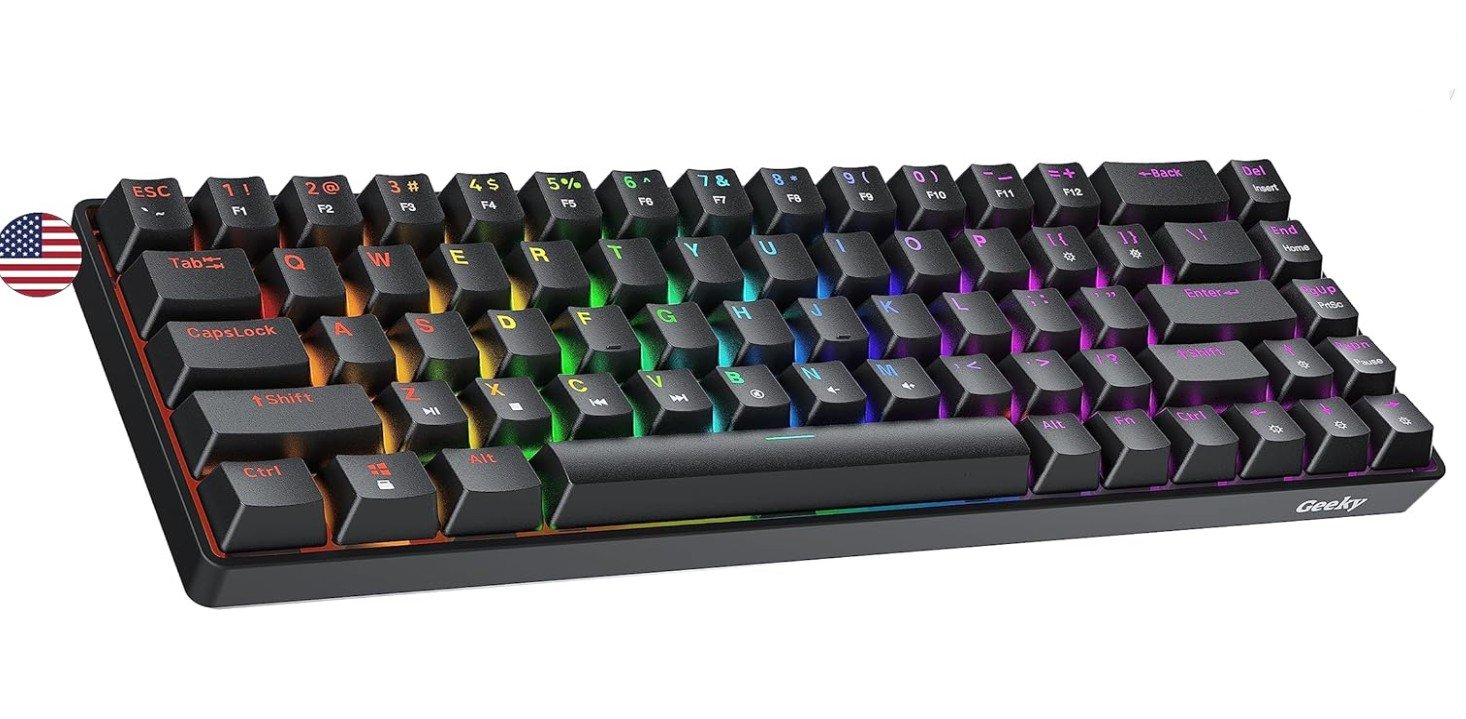
Geeky GK65 65% Hot Swappable Mechanical Gaming Keyboard
Geeky GK65 65% Hot Swappable Mechanical Gaming Keyboard
The Geeky GK65 65% mechanical keyboard is a compact and reliable choice for people who want a smaller keyboard for gaming or typing. Its 65% layout means it saves desk space while still keeping important keys like the arrow keys. This makes it easy to use for both everyday work and fast gaming without crowding your desk. The black design looks clean and simple, and the multi-color RGB lighting gives you fun color effects that you can change to match your style.
Typing on the Geeky GK65 feels comfortable thanks to the tactile brown switches. These switches give a gentle bump when you press a key, which helps with accuracy and makes typing feel nice without being too loud. The keys are responsive and easy to press, so you can type or game for long periods without your fingers getting tired. The overall feel is smooth and consistent, and many users like how solid the keyboard feels under their hands.
One good feature of this keyboard is that it is hot-swappable. This means you can easily change the switches later without needing tools or soldering. If you want a different feel or sound in the future, you can swap in new switches yourself. The RGB backlighting looks bright and colorful, and it adds a cool look to your setup. It also helps you see the keys better when you are working or gaming in low light.
The keyboard works well with both PC and Mac, so you can use it with different devices. Overall, the Geeky GK65 is a strong choice if you want a compact, comfortable, and customizable mechanical keyboard that performs well for both typing and gaming without a high price. It’s easy to set up and feels good to use every day.
65% Mechanical Keyboards — complete buying guide
A 65% mechanical keyboard is a compact keyboard layout that removes the number pad and the full function row but keeps important keys like the arrow keys and a few navigation keys. Compared to a full-size or tenkeyless keyboard, it takes up much less desk space while still being easy to use for daily tasks. This layout is very popular because it offers a good balance between size and usability.
Who Should Buy a 65% Keyboard?
A 65% keyboard is ideal for users who want a clean and minimal desk setup. Gamers like it because it leaves more room for mouse movement. Students and office users enjoy it because it is easier to carry and fits well on small desks. It is also a good choice for people upgrading from a 60% keyboard, since the dedicated arrow keys make everyday work more comfortable. However, if you use a number pad a lot for data entry or accounting, a 65% keyboard may not be the best option.
Key Advantages of 65% Mechanical Keyboards
One of the biggest benefits is space saving. The compact size makes your desk look cleaner and more organized. Another advantage is comfort. Because your hands move less across the keyboard, typing and gaming can feel faster and more natural. Mechanical switches also last longer and feel better than regular membrane keyboards. Many 65% keyboards offer premium features like RGB lighting, wireless connectivity, and hot-swappable switches.
Understanding Keyboard Switch Types
Mechanical keyboards use different types of switches, and choosing the right one is very important.
Linear switches feel smooth from top to bottom and are usually quiet. They are popular with gamers because they allow fast key presses.
Tactile switches have a small bump when the key is pressed. This helps you feel when the key is registered and is great for typing. Brown switches are the most common tactile option.
Clicky switches make a loud click sound and have a strong tactile feel. They are fun to type on but may be too noisy for shared spaces.
Hot-Swappable vs Soldered Keyboards
Hot-swappable keyboards allow you to remove and replace switches without soldering. This is perfect for beginners and users who want to experiment with different switch types later. Soldered keyboards are usually cheaper, but changing switches requires tools and experience. For most users, hot-swappable boards are the better and more flexible choice.
Build Quality and Mounting Styles
The way a keyboard is built affects how it feels and sounds. Tray-mount keyboards are common and feel firm. Gasket-mounted keyboards use soft materials between the plate and case, making typing quieter and more comfortable. Many modern 65% keyboards also include foam or padding to reduce noise and improve typing feel.
Keycaps and Materials
Keycaps play a big role in durability and comfort. PBT keycaps are more durable and resist shine over time. ABS keycaps feel smoother but may wear out faster. You should also check the keycap profile, as different shapes affect typing comfort. Because 65% keyboards sometimes use non-standard key sizes, make sure replacement keycaps are compatible.
Wired vs Wireless Connectivity
Wired keyboards offer the lowest latency and are best for competitive gaming. Wireless keyboards are more flexible and keep your desk free of cables. Many 65% keyboards support Bluetooth, 2.4GHz wireless, or both. If you use multiple devices, wireless keyboards with easy switching are very useful. Battery life is also important, especially if you use RGB lighting.
Software and Customization
Some keyboards come with software that lets you remap keys, set macros, and customize lighting. Advanced users may prefer keyboards that support open-source firmware like QMK or VIA. This allows deeper customization and long-term support. If customization matters to you, check software support before buying.
Price Range and What to Expect
Budget 65% keyboards offer basic features like RGB and mechanical switches at a low cost. Mid-range options usually include hot-swapping, wireless modes, and better build quality. Premium models focus on typing feel, sound quality, and materials. Decide your budget first and choose the best balance of features for your needs.
Final Buying Tips
Always check the keyboard layout image before buying. Decide whether you want linear, tactile, or clicky switches. Choose hot-swappable if you want future flexibility. Think about whether you need wireless connectivity. Read user reviews to learn about typing sound and long-term quality.
FAQs
A 65% mechanical keyboard is a compact keyboard that keeps the most used keys like letters, number row, arrow keys, and a few navigation keys, while removing the numpad and most of the function row. It saves space and still stays very usable.
A 60% keyboard does not have arrow keys or extra navigation keys, so you need to use Fn combinations for them. A 65% keyboard keeps the arrow keys and often a few extra keys, so it feels easier to use for everyday tasks.
Yes. Many gamers prefer 65% keyboards because they free up desk space for mouse movement and still have arrow keys. Wireless and low-latency options also make them great for gaming.
Yes. They are comfortable for typing, especially if you choose good tactile or linear switches. They may take a short time to get used to, but most people find them efficient for everyday typing.
Some are wireless and support Bluetooth or 2.4 GHz connections. Others are wired. Wireless is good for flexibility, while wired gives lower latency for competitive gaming.
Many do. Some offer software or firmware (like VIA or QMK) that lets you remap keys, make macros, and change RGB lighting.
Prices vary. Budget models are affordable, while premium custom boards can be more expensive due to better materials, switches, and build quality.
Final Thoughts
A 65% mechanical keyboard is a great choice for most users. It saves space, looks clean, and still keeps essential keys. Whether you are a gamer, student, or office worker, this layout offers comfort, performance, and style. By focusing on layout, switch type, build quality, and connectivity, you can easily find the right 65% keyboard that fits your needs and budget.

Jawad is a passionate tech enthusiast and writer who loves exploring the latest trends in hardware, gadgets, and digital innovation. With a sharp eye for performance and value, he delivers in-depth recommendations and buying guides to help readers make smarter tech decisions.

