
Last Updated on April 4, 2026 by Jawad
Introduction
A gaming mouse for beginners is all about simplicity, comfort, and reliable performance without overwhelming features. When someone starts PC gaming, they don’t usually need the fastest sensor or the most advanced customization options. Instead, what matters most is a mouse that feels good to use, responds accurately in games, and helps build confidence with every click. A good beginner-friendly gaming mouse offers a balance of solid build quality, smooth tracking, comfortable ergonomics, and enough customizable settings to help new players improve their aim and control without confusion.
One of the biggest advantages of a beginner gaming mouse is ease of use. These mice are designed to work straight out of the box, with simple software (or sometimes no software needed at all) and basic buttons that are intuitive even for first-time users. Beginners do not need high DPI numbers; rather, they benefit from adjustable sensitivity so they can experiment and find what suits their playing style. Comfort is equally important, as new gamers often spend long sessions learning different game mechanics. A well-shaped mouse that fits naturally into the hand can prevent fatigue and help newcomers focus more on gameplay and less on discomfort.
Another key element is durability. Beginner gamers are still figuring out their grip, swipes, and movements, so a sturdy mouse ensures it handles everyday gaming without issues. Many entry-level models also offer reliable switches and smooth scrolling to make the experience consistent and enjoyable. Some even come with basic RGB lighting, which adds a fun touch to gaming setups without raising the price.
Overall, a gaming mouse for beginners should make the transition from casual computing to gaming smooth and enjoyable. It is an essential first step toward better aim, better control, and a more engaging gaming experience.
We also have a recommendation for the Best Cheap Gaming Mouse Under $20, so make sure to check that out too!
Top Gaming Mouse for Beginners
![Redragon M602 Gaming Mouse, Ergonomic RGB Gaming Mouse Wired with 7200 Adjustable DPI, 9 Programmable Buttons, Professional Software for Gamer Office [Black]](https://m.media-amazon.com/images/I/4189L2UBl9L._AC_.jpg)


Comparison
| Product | Image | Rating | Sensor | DPI | Weight | Buttons | Connection | Price | Buy |
|---|---|---|---|---|---|---|---|---|---|
|
Redragon M602 Gaming Mouse 🏆 Best Overall 🔥 Top Pick | 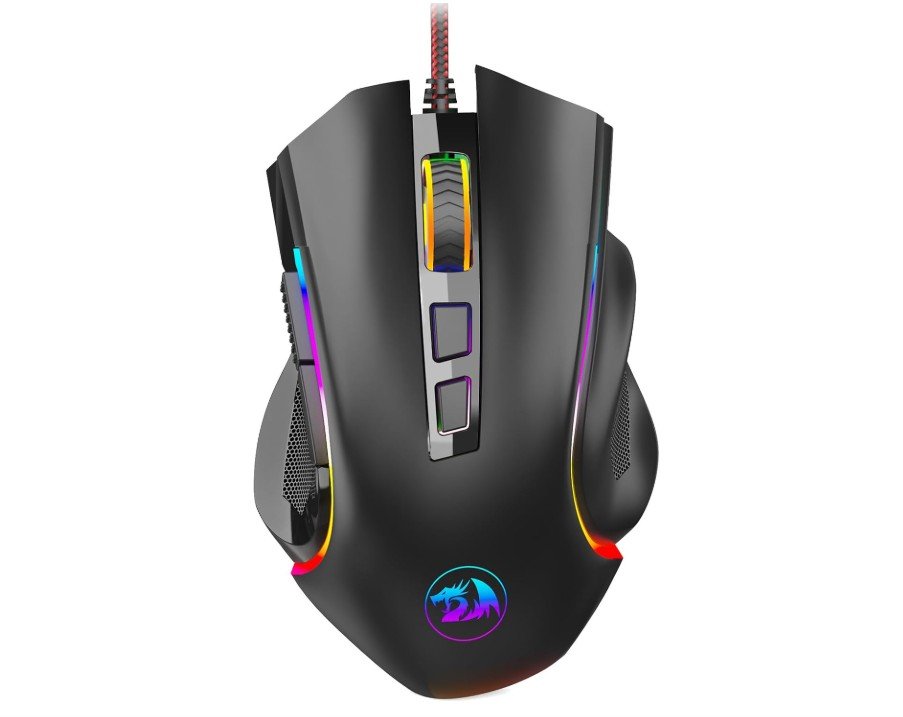 | ★★★★★ | Optical Sensor | 7200 DPI | 132g | 9 | Wired USB | Under $20 | Check Price |
|
Razer DeathAdder Essential 💰 Runner-Up |  | ★★★★☆ | Optical Sensor | 6400 DPI | 96g | 5 | Wired USB | Under $25 | Check Price |
| Logitech G305 Lightspeed Wireless |  | ★★★★★ | HERO Sensor | 12000 DPI | 99g | 6 | Wireless | Under $50 | Check Price |
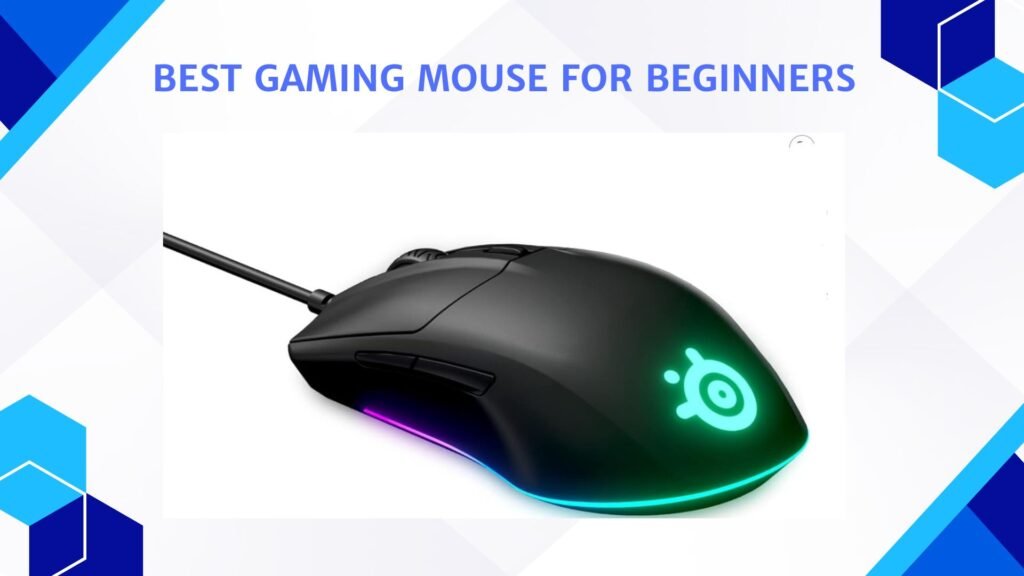
| SteelSeries Rival 3 Gaming Mouse | 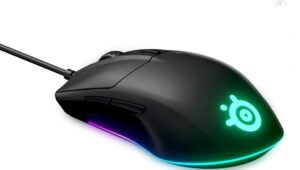 | ★★★★☆ | TrueMove Core | 8500 DPI | 77g | 6 | Wired USB | Under $30 | Check Price |
| Logitech G203 Wired Gaming Mouse | 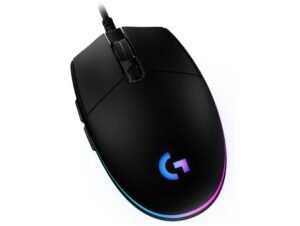 | ★★★★☆ | Optical Sensor | 8000 DPI | 85g | 6 | Wired USB | Under $30 | Check Price |
Redragon M602 Gaming Mouse
Redragon M602 Gaming Mouse
The Redragon M602 Gaming Mouse is a great option for beginners who want an affordable and easy-to-use mouse without giving up useful features. It feels comfortable in the hand thanks to its ergonomic shape, which makes it suitable for long gaming or working sessions. Even if someone is new to gaming, the mouse is simple to understand because the layout is familiar, and the buttons are placed in a way that feels natural. The build quality is solid for its price, giving beginners a dependable tool that doesn’t feel cheap or flimsy.
The 7200 DPI sensor offers enough sensitivity options for new players to experiment with different speeds. Beginners can start with low or medium DPI settings for better control and slowly adjust as they become more confident. The tracking is smooth for everyday gaming, casual shooters, RPGs, and general computer tasks, which makes it a flexible option for users who are still exploring their preferred playstyle. The RGB lighting adds a fun touch, making the setup look more exciting without being overwhelming.
The mouse includes nine programmable buttons, which is helpful for beginners learning how to use shortcuts or in-game commands. These buttons give more control without requiring complicated software knowledge. The Redragon software is simple, allowing users to adjust DPI, lighting, and macros with clear options. This makes it friendly for first-time gamers who want customization without confusion.
For its price, the Redragon M602 delivers great value. It gives beginners a chance to upgrade from a basic office mouse to something more responsive and game-ready. It may not compete with high-end gaming mice, but for someone starting out, it provides comfort, useful features, and reliable performance. It helps new gamers learn what they like in a mouse while offering everything needed for a smooth and enjoyable gaming experience.
Razer DeathAdder Essential Gaming Mouse
Razer DeathAdder Essential Gaming Mouse
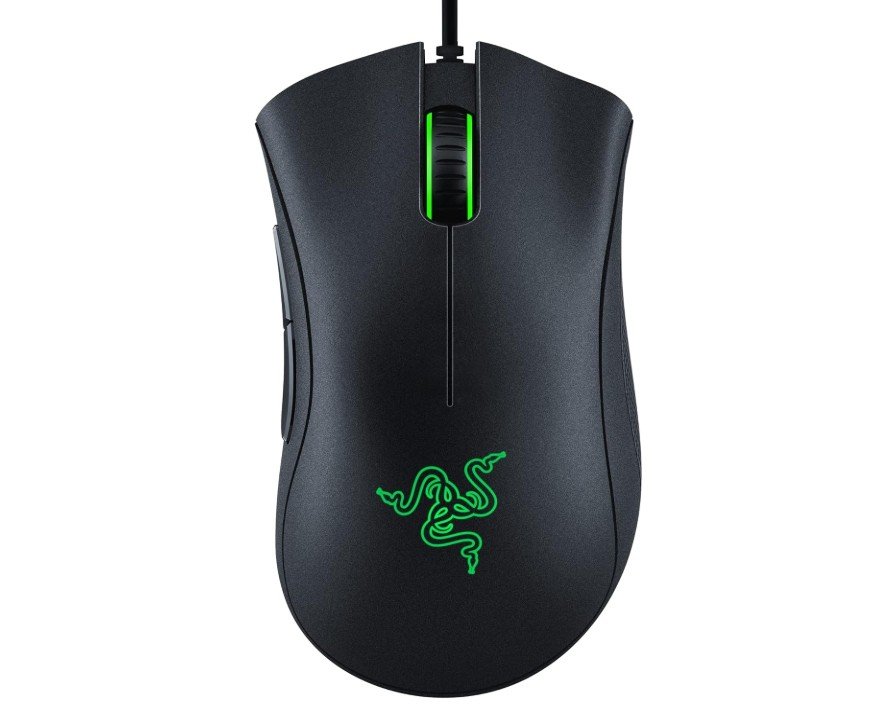
The Razer DeathAdder Essential is a great choice for beginners who want a simple, comfortable, and reliable gaming mouse without spending too much. It’s designed to feel natural in the hand, especially for people who prefer a palm grip or want a shape that supports longer gaming sessions. The curved body and rubber side grips make it easy to control, and even new players will feel comfortable using it after just a short time. Its 6400 DPI optical sensor is accurate and smooth, giving beginners enough sensitivity options to learn what DPI level suits their style. Whether you play shooters, casual games, or fast-paced titles, the sensor performs well and stays consistent.
The mouse has five programmable buttons that are helpful for learning basic customization. You can assign simple actions, shortcuts, or in-game controls through Razer Synapse software, which is beginner-friendly and offers clear options. The mechanical switches feel crisp and responsive, making clicks satisfying without being too loud. This also helps new gamers develop faster reaction timing and control. The mouse is wired, so there’s no need to worry about charging or input delay. Beginners often feel more comfortable with wired mice because they are stable and always ready to use.
Build quality feels solid considering the price, and the classic black design gives it a clean, professional look. It doesn’t have flashy RGB lighting, which some beginners might not miss, especially if they want something simple and focused on performance. For everyday use like browsing, school work, or office tasks, it stays comfortable and accurate, making it a good all-rounder.
Overall, the Razer DeathAdder Essential is easy to use, comfortable for long sessions, and dependable for anyone starting out in gaming. It offers enough features to help beginners learn and improve, without overwhelming them with advanced settings or high costs.
Logitech G305 Lightspeed Wireless Gaming Mouse
Logitech G305 Lightspeed Wireless Gaming Mouse
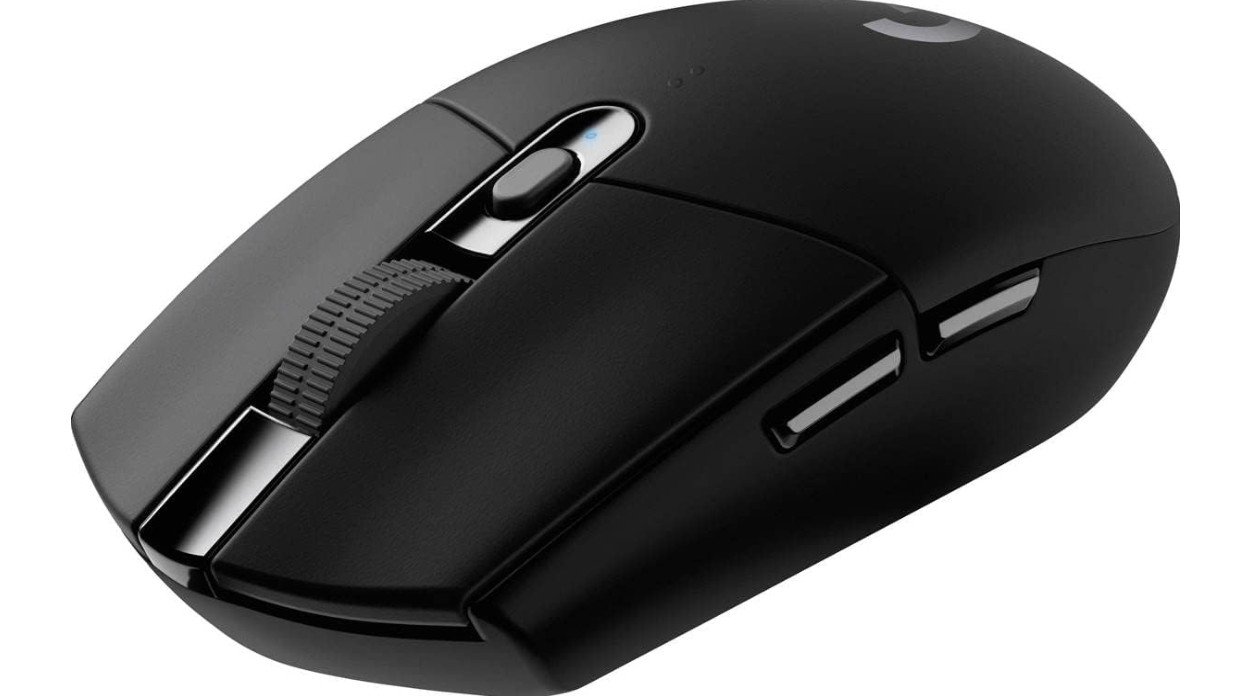
The Logitech G305 Lightspeed is a great choice for beginners who want an easy, reliable, and smooth gaming experience without spending too much. It is a lightweight wireless gaming mouse that feels comfortable to use for long sessions, especially if you are new to gaming and want something simple but high-quality. The body is compact and well-balanced, making it easy to control even if you are still learning how to aim properly in different games. Its shape suits most hand sizes and works well with fingertip or claw grip styles, which many beginners naturally use.
One of the best things about this mouse is its HERO sensor, which offers precise tracking up to 12,000 DPI. Even if you don’t fully understand DPI or sensitivity settings yet, the accuracy of this sensor makes your mouse movements feel smooth and responsive. This helps beginners practice better aim in shooting games or smooth cursor control in other genres. The wireless connection uses Logitech’s Lightspeed technology, giving a fast, stable response that feels just like a wired mouse. For someone new to gaming, this means no lag and no cable pulling at your desk.
Another advantage is the long battery life. The G305 can last up to around 250 hours on a single AA battery, so you do not have to worry about charging it every day. Beginners will appreciate not having to manage cables or battery charging while learning new games. The six programmable buttons are easy to customize through Logitech’s software, but the mouse also works perfectly fine without adjusting anything, making it beginner-friendly.
Overall, the Logitech G305 Lightspeed is a great starting point for anyone entering PC gaming. It offers comfort, speed, accuracy, and simplicity, helping new players enjoy smooth gameplay while learning and improving at their own pace.
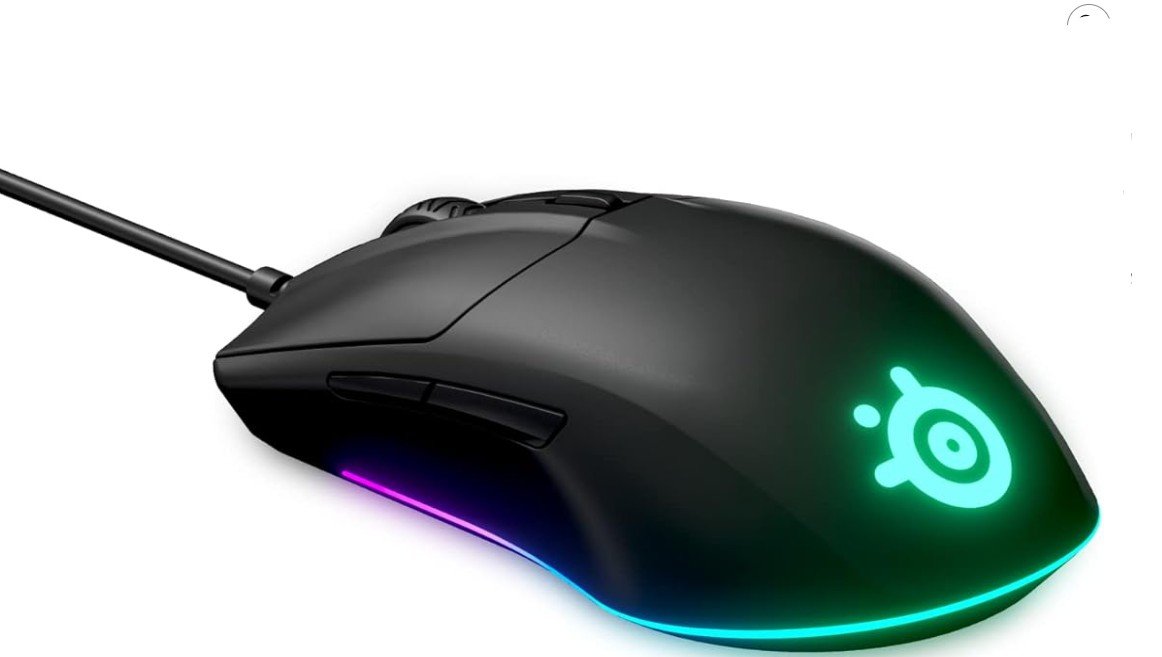
SteelSeries Rival 3 Gaming Mouse
SteelSeries Rival 3 Gaming Mouse
The SteelSeries Rival 3 is a beginner-friendly gaming mouse designed to offer smooth performance, reliable tracking, and a comfortable feel without being complicated. For new gamers, it delivers the essential features you need to start playing confidently, while staying simple enough that you don’t feel overwhelmed by advanced settings or software. The mouse has an ergonomic shape that suits most hand sizes, and its lightweight design makes it easy to move quickly during fast gameplay. Beginners who are still developing control and accuracy will appreciate how natural it feels to glide and aim with it.
The TrueMove Core optical sensor provides accurate tracking up to 8,500 CPI, which is more than enough for someone new to gaming. It responds well to even small movements, helping you aim better in shooters or navigate smoothly in everyday tasks. The six programmable buttons give you the option to customize controls as you start learning different games, but they are not excessive, so the layout remains simple and easy to understand. The split-trigger buttons also offer crisp clicks, which helps new players feel more consistent when aiming or performing repeated actions.
The RGB lighting adds a touch of style without being too distracting. For beginners building their first setup, this gives a nice gaming look at an affordable price. The build quality feels solid, and the materials are durable enough for long sessions, making it a good long-term option if you’re just starting out. Another helpful point for beginners is that the SteelSeries software is straightforward, letting you adjust sensitivity or lighting quickly without confusion.
Overall, the Rival 3 is a reliable choice for new gamers who want comfort, accuracy, and simple controls. It combines performance and ease of use, making it a great entry-level mouse for learning different gaming genres while also working well for daily computer use.
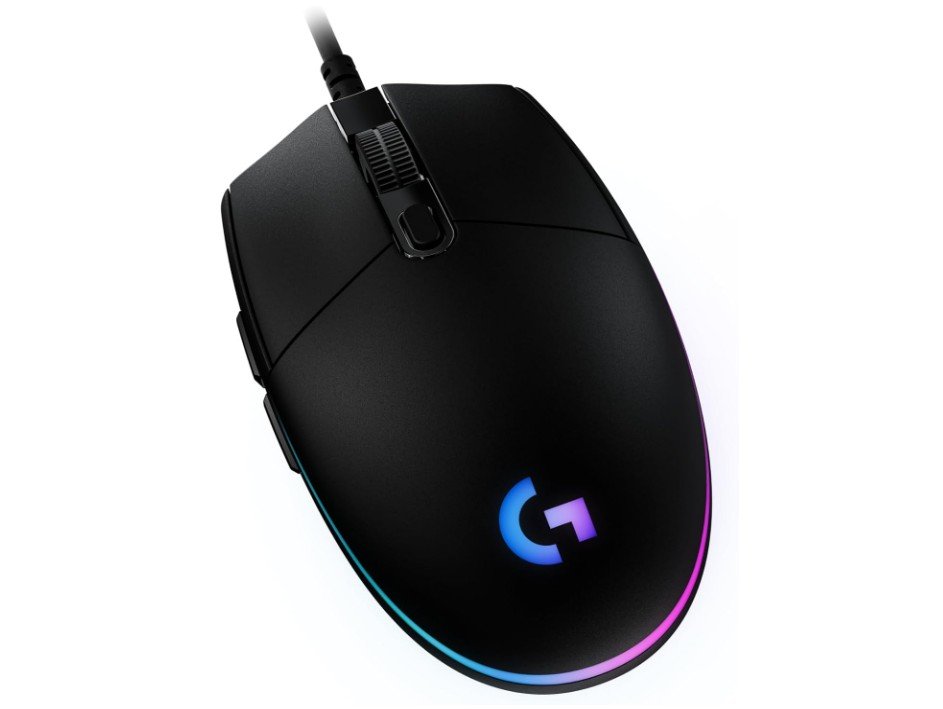
Logitech G203 Wired Gaming Mouse
Logitech G203 Wired Gaming Mouse
The Logitech G203 Wired Gaming Mouse is a great option for beginners who want a simple, reliable, and affordable mouse that still feels like a real gaming upgrade. It is easy to use right out of the box, and its lightweight design makes it comfortable for long gaming or work sessions. The shape fits most hand sizes well, and beginners will appreciate that it doesn’t feel too large or complicated. Its 8,000 DPI sensor offers smooth and accurate tracking, which is more than enough for new players learning different game genres like FPS, MOBAs, or casual titles. You can adjust the DPI levels through Logitech G HUB software, allowing you to slowly explore different sensitivities as your gaming skills grow.
The RGB lighting adds a fun and stylish touch without being overwhelming. Beginners who enjoy customizing their setup will find the LIGHTSYNC RGB effects easy to control, and the lighting can even react to on-screen actions in supported games. The mouse has six programmable buttons, giving beginners enough flexibility to try macros or shortcuts without being confusing. These buttons have a satisfying click, and the overall build feels durable despite the low price.
One of the helpful features for beginners is the on-board memory. This allows you to save your DPI and button settings directly on the mouse, so your preferences stay the same even if you use it on another computer. The wired connection ensures zero input lag, which makes gameplay feel responsive and smooth.
Overall, the Logitech G203 is a strong choice for anyone just starting with PC gaming. It provides good performance, simple controls, and useful customization without overwhelming new users. It delivers reliable tracking, comfortable handling, and attractive lighting, making it an easy and budget-friendly way for beginners to improve their gaming experience without spending too much.
Gaming Mouse for Beginners — A simple buying guide
Choosing your first gaming mouse can feel confusing. There are many numbers, buzzwords, and styles. This guide breaks it down into easy parts so you can pick a mouse that fits your hand, games, and budget. I’ll keep language simple and practical.
Why the right mouse matters
A good mouse makes games easier and more fun. It helps with aiming, movement, and comfort during long sessions. A poor choice can cause pain, slow reactions, or frustration. As a beginner, pick something comfortable, reliable, and not too expensive — you don’t need pro gear yet.
Main things to check
1. Sensor type and accuracy
The sensor is the most important part. Look for an optical sensor (not older ball sensors). Optical sensors are precise and work well on most mousepads. Sensor specs often show DPI or CPI — higher numbers mean more sensitivity, but higher is not always better. It is better to have adjustable DPI so you can find what feels right.
2. DPI / sensitivity
DPI (dots per inch) describes how far the cursor moves when you move the mouse. Beginners should focus on being able to change DPI in steps (e.g., 400, 800, 1600, 3200). Lower DPI often helps with accurate aiming in FPS games. Most decent mice let you change DPI with a button.
3. Polling rate
Polling rate (Hz) is how often the mouse reports position to the PC. Common values: 125, 250, 500, 1000 Hz. 500–1000 Hz is fine for gaming. Higher polling rates give slightly faster response but need more CPU.
4. Wired vs Wireless
Wired: cheaper, no battery, stable connection.
Wireless: freedom from cable, newer wireless tech is very reliable and low-latency. For beginners, wired is the safest and more budget-friendly choice. If you prefer no cable, choose a wireless mouse from a trusted brand.
5. Shape and ergonomics
Mouse shape and size matter a lot. There are three common grip styles:
- Palm grip: whole hand rests on mouse. Choose a larger ergonomic shape.
- Claw grip: fingers arch; mouse is medium-sized.
- Fingertip grip: only fingertips touch; mouse is small/light.
Try to hold a mouse in store if possible. If not, look for pictures with hand-size guides or check dimensions in the product page.
6. Weight
Some mice are light (under 80 g), some are heavy (over 100 g). Lightweight mice help fast movements and are popular in FPS games. Heavier mice can feel more stable. Beginners often prefer mid-weight or light mice because they feel easier to move.
7. Buttons and programmability
Basic gaming needs: left, right, scroll, and 1–2 side buttons. Extra buttons are useful for MMO/MOBA games but can be confusing at first. Programmable buttons are useful — they let you map macros or keys using the mouse software. Don’t overbuy buttons if you don’t need them.
8. Switch quality and durability
Look for rated button life like “20M clicks” or “50M clicks.” Mechanical switches with good make (Omron or similar) feel crisp and last longer. This matters for long-term value.
9. Build quality and feet (skates)
Sturdy shell and smooth PTFE (Teflon) feet make the mouse glide well. A braided cable is durable, but rubber cables are okay for cheap models. Good feet reduce friction and noise.
10. Software and profiles
Many brands provide software to change DPI, RGB, button mapping, and save profiles to on-board memory. On-board memory is nice — it keeps settings when you move to another PC. Check if the software is simple and stable.
11. RGB and looks
RGB is purely aesthetic. If you care about lighting, choose a mouse with customizable RGB. If not, you can save money by skipping it.
Frequently Asked Questions
DPI (dots per inch) shows how far the cursor moves on the screen when you move the mouse. A higher DPI means faster movement. But more isn’t always better — what matters is what feels comfortable. Many gamers play well in the mid-range (e.g., 400-2,000 DPI) and adjust based on their game and play style.
Wired mice tend to have lower latency and don’t require batteries. Wireless mice now offer very strong performance with near-zero lag and more freedom. Choose what fits your setup and budget.
Very important. Your hand size, grip style (palm, claw, fingertip) and comfort during long sessions matter a lot. A shape that fits your hand will reduce fatigue and improve your control.
Extra buttons can be helpful if you play MMOs or strategy games, but for many beginners they are not essential. Lights (RGB) may look cool but don’t improve performance. Focus first on comfort, sensor quality and build.
With good build quality you can expect several years of use. But the switches, cable, and wear-and-tear matter. Choosing known brands and good reviews helps ensure longevity.
Conclusion
If you’re beginning your gaming journey, the right mouse is more than just flashy specs. What truly matters is a combination of comfort, good sensor performance, and a shape/size that fits your hand. Focus on a reasonable DPI range, proper ergonomics, and reliability. Extra features like programmable buttons, RGB lighting, high polling rates and wireless connectivity are nice to have — but they’re secondary to the basics.
Start with something solid in the mid-budget range that suits your grip, hand size, and game genre. As you grow and learn your play style, you can upgrade further. A well-chosen beginner gaming mouse can serve you well for many hours of fun and competition.

Jawad is a passionate tech enthusiast and writer who loves exploring the latest trends in hardware, gadgets, and digital innovation. With a sharp eye for performance and value, he delivers in-depth recommendations and buying guides to help readers make smarter tech decisions.