
Last Updated on February 8, 2026 by Jawad
Introduction
A 27 inch 1440p gaming monitor is one of the most popular screen sizes for modern PC gamers because it gives a great balance between picture quality, performance, and price. 1440p resolution means 2560 × 1440 pixels, which is higher than 1080p, so you get sharper images, more detail, and cleaner text. At the same time, 1440p is not as demanding as 4K, so you can still get high frame rates without needing the most expensive graphics card. For many gamers, this is the “sweet spot” for competitive and casual gaming.
A 27 inch screen is large enough to feel immersive on a desk. You can see more of the game world, especially in titles like open-world, racing, and shooters. The extra screen space also helps with multitasking when browsing, streaming, or editing videos. Many 27 inch monitors also offer high refresh rates like 165Hz or 240Hz, which makes motion smoother and gives a faster response in games like Valorant, Call of Duty, Fortnite, and Apex Legends. Combined with low response time and adaptive sync technology like FreeSync or G-SYNC, ghosting and screen tearing can be reduced.
Another advantage of 1440p is that most mid-range gaming PCs can handle it well. Graphics cards like RTX 4060 Ti, RTX 4070, RX 7800 XT and others can easily push good FPS at this resolution. This means you don’t need a premium setup to enjoy smooth gaming. Budget and mid-range monitors also now include IPS panels, HDR support, and decent color accuracy, making them better for watching movies, editing photos, and general use.
Overall, a 27 inch 1440p gaming monitor gives excellent value. It delivers a more premium look than 1080p, smoother gameplay at higher refresh rates, and comfort for daily use, making it a great choice for most gamers.
We also have a recommendation for the Best 27 Inch OLED Gaming Monitor, so make sure to check that out too!
Top 27 Inch 1440p Monitor for Gaming
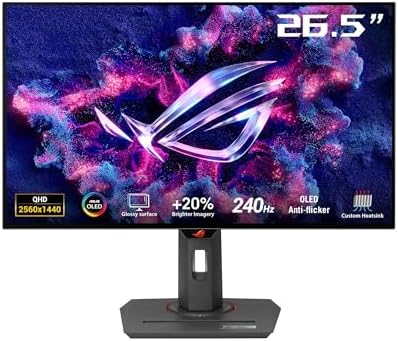


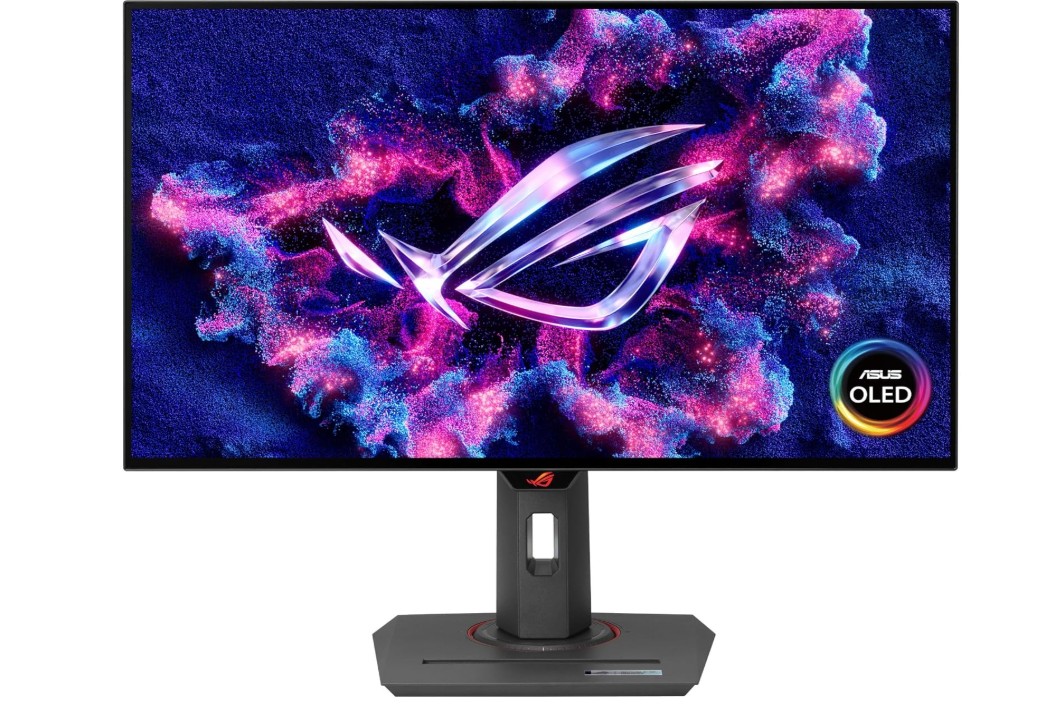
ASUS ROG Strix 27” 1440P OLED Gaming Monitor
ASUS ROG Strix 27” 1440P OLED Gaming Monitor
The ASUS ROG Strix XG27AQDMG is a premium 27 inch 1440p OLED gaming monitor designed for gamers who want fast performance and amazing picture quality. The first thing you notice is how rich and sharp the image looks. Because it is an OLED panel, the colors look very bright, blacks look deep like real black, and there is no light bleed like normal LCD monitors. This makes games look more realistic, especially in dark scenes and cinematic games. The 99% DCI-P3 color coverage also helps movies, anime, and HDR content look very vibrant.
The 240Hz refresh rate with 0.03ms response time makes the monitor feel extremely fast and smooth. Fast shooters like Valorant, Apex Legends, Call of Duty, and Fortnite feel very responsive. Moving objects look clear, and there is very little motion blur because OLED pixels change faster than IPS LCD pixels. This makes it a great option for competitive gaming. G-SYNC compatibility also helps reduce tearing and stutter when the frame rate changes.
ASUS also added a custom heatsink to help keep temperatures controlled and delay OLED aging. Features like Uniform Brightness mode and anti-flicker technology also help protect eyes and improve long gaming sessions. The glossy screen gives even richer contrast and cleaner detail, but you need to control reflections if your room has bright lights. For best results, it is better in a controlled lighting environment.
Overall, this monitor delivers excellent image quality, amazing motion clarity, and top tier gaming performance. It is not the cheapest option, but the experience feels premium in every way. If someone wants one of the fastest and best looking 1440p monitors available right now, especially for high refresh rate gaming and deep OLED contrast, this ASUS model is a very strong choice.
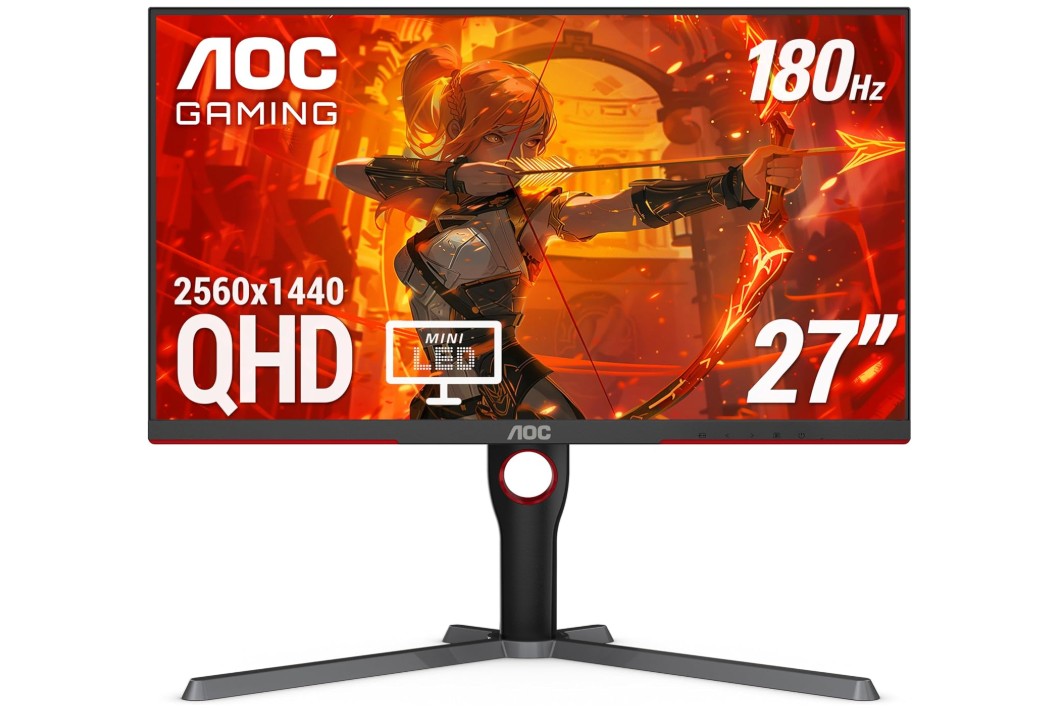
AOC Q27G3XMN 27″ QHD Gaming Monitor
AOC Q27G3XMN 27″ QHD Gaming Monitor
The AOC Q27G3XMN is a 27 inch 1440p Mini LED gaming monitor that focuses on great brightness, rich color, and smooth performance at a fair price. The main highlight here is the Mini LED backlight which offers much stronger contrast and brightness than a normal IPS panel. HDR content looks more exciting because the bright areas of the screen can reach high levels, making explosions, sunlight, and effects look more realistic. VESA DisplayHDR 1000 support means you get very punchy visuals with better dynamic lighting in games, which makes a big difference in titles designed for HDR.
The 180Hz refresh rate and 1ms response time help most modern games feel very smooth. Fast paced shooters, racing games, and battle royale titles look clear with less motion blur. Adaptive Sync also reduces screen tearing when the FPS changes. While it is not as fast as 240Hz OLED monitors, 180Hz is still a great number for most gamers and still delivers a very responsive experience.
Color performance is another strong point. With around 137.5% sRGB coverage, games and media look vibrant and colorful. This makes it good not only for gaming but also for watching movies or content creation on the side like YouTube thumbnails, basic video editing, or photo adjustments.
Build quality is decent and the stand is stable, though the design is more simple compared to premium gaming brands. Connectivity is enough for most setups with DisplayPort 1.4 and HDMI 2.0, though HDMI 2.1 would have been better for future proofing. For PC gaming, DisplayPort will be the main choice anyway.
Overall, the AOC Q27G3XMN delivers big value for gamers who want strong HDR performance, excellent color, and high refresh rate without paying a premium price. It is a good mid-high tier upgrade for 1440p gaming.
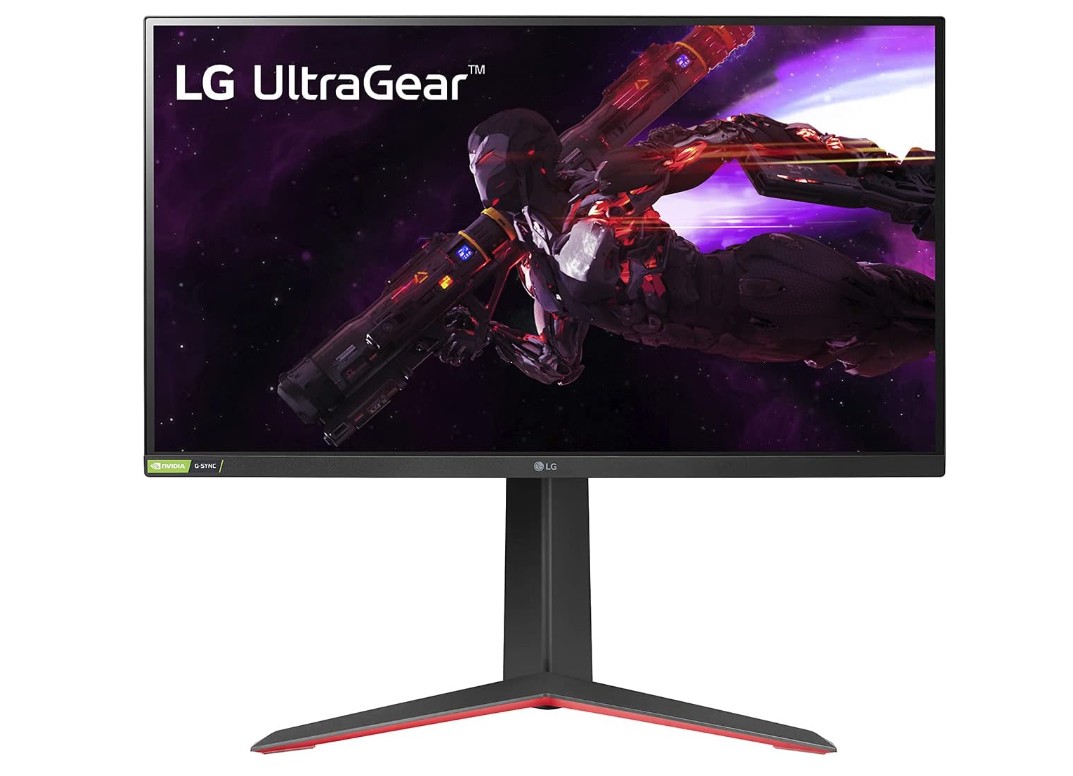
LG 27GP850-B Ultragear Gaming Monitor
LG 27GP850-B Ultragear Gaming Monitor
The LG 27GP850-B Ultragear is a very popular 27 inch 1440p gaming monitor because it provides strong performance, great color quality, and a reasonable price for what you get. The Nano IPS panel delivers very bright and accurate colors, which makes games, movies, and even normal desktop use look more lively. Because it is 1440p resolution, the picture looks sharper than 1080p, and text looks cleaner when browsing or working. This makes the monitor good for gaming and also good for daily tasks like editing documents, watching content, or doing school work.
The 165Hz refresh rate (which can be overclocked to 180Hz) offers smooth motion and helps reduce blur in fast paced games. The 1ms response time adds to this smoothness, making it a better experience for competitive games like Valorant, CS2, Apex Legends, Fortnite, and Call of Duty. The monitor also supports both NVIDIA G-SYNC Compatible and AMD FreeSync Premium, which helps reduce screen tearing and makes gameplay feel stable even when the frame rate changes.
The design is clean with thin bezels, and the stand is very adjustable. You can change height, tilt, and even pivot to vertical, which is useful if someone wants to use it for coding or reading long pages. The build feels good for its price range and the stand is sturdy.
It does not have Mini LED or OLED, so the black levels are not as deep as more expensive monitors, but for an IPS panel, the contrast is still decent. The value of this monitor is excellent because you get bright colors, fast response, and a smooth refresh rate without a huge price tag. For gamers who want a balanced 1440p monitor with strong speed and color without going into premium pricing, the LG 27GP850-B is a great choice.
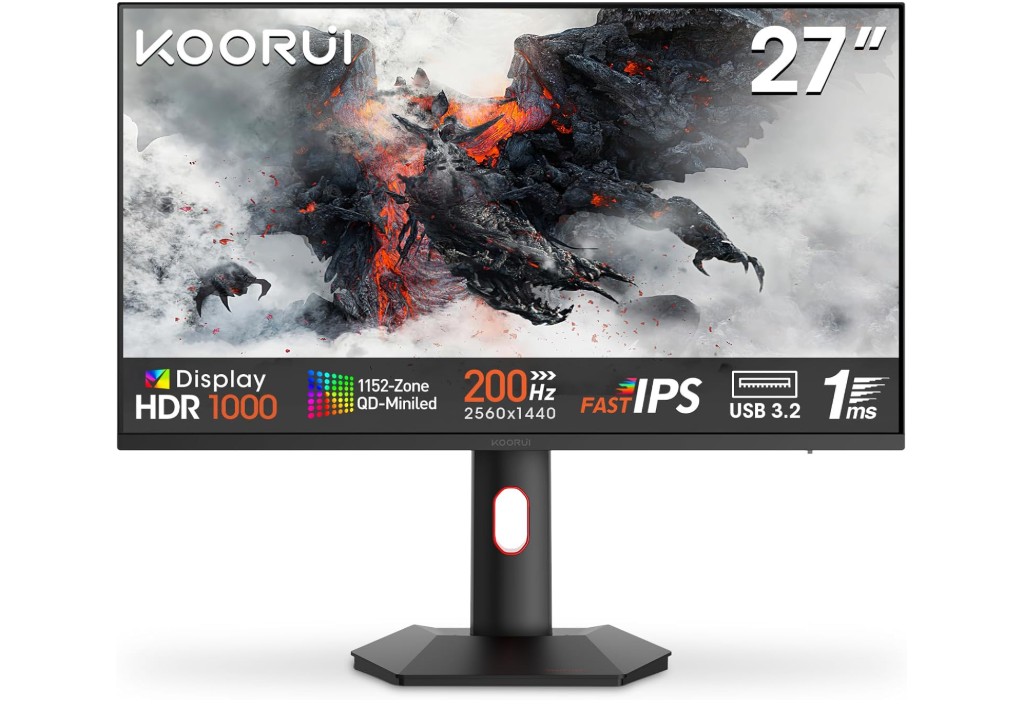
KOORUI Monitor, 27” 1ms 200Hz Gaming Monitor
KOORUI Monitor, 27” 1ms 200Hz Gaming Monitor
The KOORUI 27 inch 200Hz Mini LED gaming monitor is designed for gamers who want strong HDR brightness, wide color, and a fast refresh rate without paying a very premium price like top brand OLED models. The WQHD 1440p resolution gives sharp and clean image quality, which is ideal for both gaming and daily use. Because the panel is Mini LED, the contrast is much higher compared to normal IPS monitors, and this makes dark scenes look more detailed. The HDR1000 support also helps highlights pop, so sunlight, fire, sparks, and other bright effects look more dynamic in modern games.
The 200Hz refresh rate with 1ms response time offers smooth and fast motion, which is helpful in competitive shooters and racing games. Even when the screen is moving quickly, the picture stays clear, making targets easier to track. This refresh rate sits between 165Hz and 240Hz, which is a nice balance for gamers who want something more responsive than standard high refresh monitors but still more affordable than top tier models.
Color performance is also good thanks to the 97% DCI-P3 coverage. Games and media appear vibrant, and this makes the monitor useful for entertainment, streaming, and even light creative work such as photo editing. The tilt adjustable stand helps position the monitor at a comfortable angle, though it does not offer the same level of adjustment as more expensive gaming monitors. Eye care features help reduce fatigue during long gaming sessions, which is useful especially for people who play many hours.
Connectivity through HDMI and DisplayPort makes it easy to use with PC and consoles, but DisplayPort is recommended for full refresh rate. Overall, the KOORUI 27 inch Mini LED monitor offers impressive HDR, strong brightness, good color, and fast speed at a reasonable price level for its class.
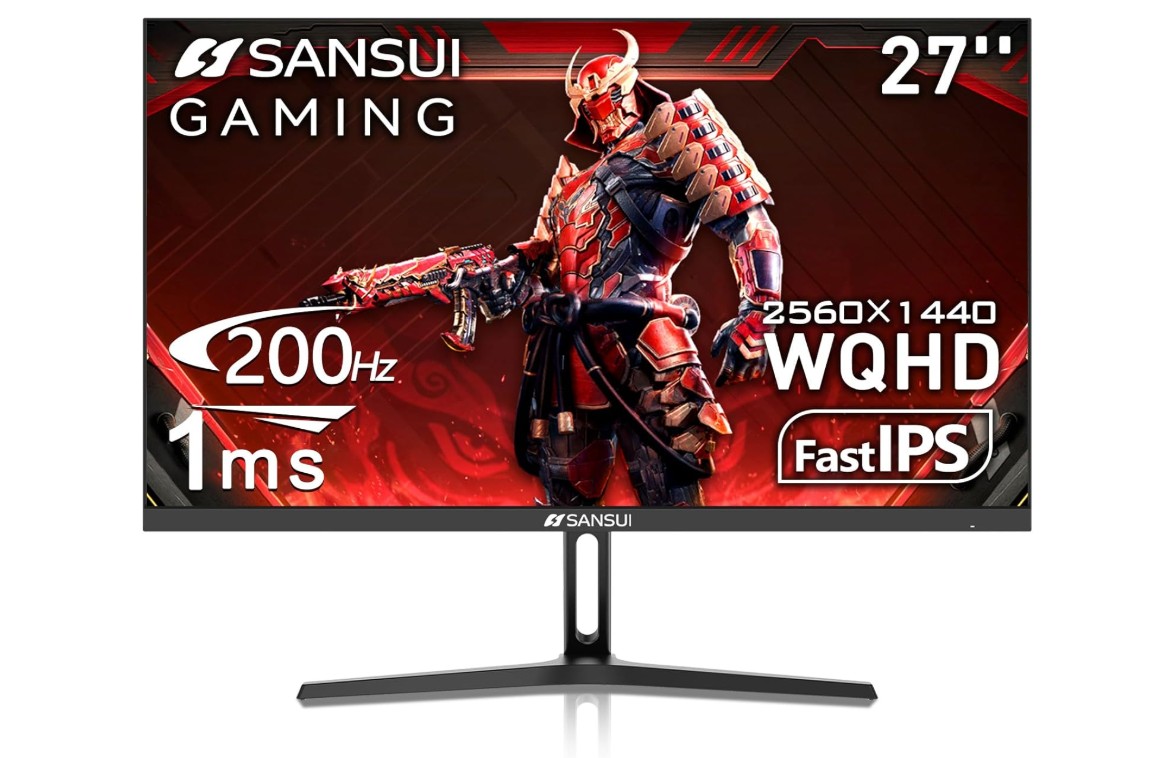
SANSUI 27 Inch WQHD 2560 x 1440 IPS Gaming Monitor
SANSUI 27 Inch WQHD 2560 x 1440 IPS Gaming Monitor
The SANSUI 27 inch 1440p gaming monitor delivers a mix of high refresh rate performance, bright color quality, and a budget friendly price. Because it uses an IPS panel, the viewing angles are wide and the image stays clear even if you look at the screen from the side. The 1440p resolution gives sharp detail in games and normal desktop work, which makes text and graphics look cleaner than 1080p. This makes it a good choice for gamers who also want to use the same screen for online browsing, school work, or watching content.
The monitor supports up to 200Hz refresh rate and has a 1ms response time, which makes fast motion look smooth. This is useful when playing competitive shooters, racing games, and action games where every frame makes a difference. It may not match the motion clarity of OLED, but for an IPS panel in this price category, the experience is still very responsive and enjoyable. Screen tearing is less noticeable when using the high refresh rate over DisplayPort.
Color performance is also impressive with 120% sRGB coverage. Colors look rich and lively, making the screen good for movies, animation, and casual photo or video editing. HDR is supported, though the HDR experience is more basic compared to Mini LED and OLED monitors, so users should not expect extremely deep contrast. Still, it looks better than standard SDR.
Build quality is decent for the price. The metal stand offers good stability, and VESA mount support makes it easy to attach to monitor arms if someone wants more flexibility. There are two DisplayPort 1.2 and two HDMI 2.0 inputs, which makes it easy to connect multiple devices like PC and consoles.
Overall, this monitor provides fast performance, solid colors, and sharp resolution at a budget level, making it a good option for value focused 1440p gamers.
27-inch 1440p Monitor for Gaming — Complete Buying Guide
A 27-inch 1440p (2560×1440) monitor is one of the most popular choices for gamers. It hits a sweet spot: sharper than 1080p, less demanding than 4K, and large enough for an immersive desktop setup. This guide explains what matters when buying one, in simple English, so you can choose the right monitor for your games, budget, and hardware.
Who should pick a 27″ 1440p monitor?
- Gamers who want a clear, detailed image but don’t have a top-end GPU for 4K.
- Competitive players who want high refresh rates (120Hz–240Hz) at a reasonable price.
- Mixed users who also stream, edit photos or watch movies and want good color.
- People with desks that fit a 27″ screen at standard viewing distance (about 60–80 cm).
Key specs explained (simple)
- Resolution (2560×1440 / QHD): Sharper than 1080p. Text and game details look cleaner.
- Refresh rate (Hz): How many times the screen updates per second. Higher = smoother motion (e.g., 144Hz, 165Hz, 180Hz, 240Hz).
- Response time (ms): How fast pixels change color. Lower reduces ghosting. 1ms–4ms is common for gaming.
- Panel type: IPS, VA, OLED, Mini-LED. Each affects color, contrast, and speed.
- Adaptive Sync: FreeSync (AMD) or G-SYNC Compatible (NVIDIA) reduces tearing.
- HDR: Makes bright and dark areas more dynamic. Real HDR needs high peak brightness and local dimming.
- Color gamut: % sRGB or DCI-P3 shows how vivid colors will be. Higher numbers mean wider color.
- Ports: DisplayPort for full PC refresh rate, HDMI for consoles. HDMI 2.1 needed for 4K/120Hz consoles and future-proofing.
- Ergonomics & VESA: Height/tilt/pivot and VESA mount compatibility for comfortable setup.
Panel types — pros and cons
- IPS (most common): Great color and viewing angles. Good midrange response. Blacks are average.
- VA: Better contrast and deeper blacks than IPS. Slightly slower response, so some ghosting in fast games.
- OLED: Perfect blacks, superb contrast, very fast response. Risk of burn-in and usually pricier.
- Mini-LED: Uses many dimming zones to get strong HDR and high brightness without OLED burn risks. Often a bit more expensive.
How fast should it be?
- Casual / single-player: 60Hz–144Hz is fine. 144Hz gives much smoother motion than 60Hz.
- Competitive FPS: Aim for 144Hz–240Hz and low response time (1ms preferred). Your GPU must output high FPS to benefit.
- Balanced: 165Hz–180Hz is a good middle ground—very smooth but less costly than 240Hz.
Response time vs refresh rate
Refresh rate controls smoothness; response time controls pixel transitions. A monitor with 240Hz but slow response will still show smearing. Look for both a high refresh rate and low response time (1ms GtG or specified MPRT/ELMB modes).
Adaptive Sync and tearing
Adaptive Sync (FreeSync/G-SYNC Compatible) matches monitor refresh to GPU FPS, cutting screen tearing and stutter. If you switch between AMD and NVIDIA GPUs, check compatibility. Many monitors now support both.
HDR — marketing vs reality
Many monitors advertise HDR, but real HDR needs:
- High peak brightness (600 nits+ for meaningful effect).
- Local dimming (Mini-LED or many zones) or OLED for deep blacks.
- Good color gamut (DCI-P3 coverage).
If HDR is a priority, favor Mini-LED or OLED panels with high HDR certification (like DisplayHDR 600/1000).
Color accuracy and creative work
If you plan to edit photos or video, look for wide color coverage (≥95% DCI-P3 or ≥100% sRGB) and factory calibration or the ability to calibrate. IPS panels often give the best balance for color work and gaming.
Brightness and contrast
- Brightness: 300–400 nits is typical; 600+ helps HDR.
- Contrast: VA panels have high native contrast; IPS lower. OLED gives infinite contrast for true blacks.
Glossy vs matte screens
- Matte: Reduces reflections — good for bright rooms.
- Glossy: Slightly punchier colors but more reflections. Choose based on your room lighting.
Connectivity & ports
- DisplayPort 1.4: Main choice for PC gaming at 1440p high refresh.
- HDMI 2.0/2.1: HDMI 2.0 handles 1440p at common refresh rates; HDMI 2.1 offers more bandwidth and is future-proof for consoles and higher refresh/resolutions.
- USB hub / USB-C: Useful for desks with laptops.
Ergonomics and build
Good stands allow height, tilt, swivel and pivot adjustments. VESA mount compatibility is important if you want an arm or custom setup. Consider build quality and cable management.
Curved vs flat
- Curved: Can be more immersive for single-screen setups, especially at 27″–34″. Some gamers like it for racing/sim setups.
- Flat: Better for competitive gaming and general productivity.
Console use
Current consoles (PS5/Xbox Series X) benefit most from HDMI 2.1 if you want 4K/120Hz. For 1440p gaming on consoles, many modern GPUs/monitors accept 1440p via HDMI but check console/monitor compatibility. PC + DisplayPort is the most reliable path for high refresh 1440p.
Panel uniformity and backlight bleed
IPS panels can show backlight bleed and IPS glow. VA may show uniformity issues or slower pixels. OLED avoids backlight bleed but has burn-in risks. Read reviews for model-specific uniformity notes.
Burn-in and longevity
OLED panels can suffer burn-in with static UI elements over many years. Manufacturers mitigate this with pixel shifting, screensavers, and warranties. If you plan many static UI sessions, consider alternatives like Mini-LED or high-quality IPS.
Budget tiers & recommendations (what to expect)
- Budget (good value): 1440p, 144Hz–165Hz, IPS, 1–4ms, FreeSync. Great for gamers on midrange GPUs.
- Midrange (best bang for buck): 1440p, 165Hz–180Hz, IPS or VA, better color gamut, some HDR support.
- High end: 1440p, 240Hz or OLED/Mini-LED, 1ms, DisplayHDR 600/1000, G-SYNC, top build and warranty. Expect to pay a premium.
Matching with your GPU
- Midrange GPUs (e.g., recent RTX 3060/4060-class or AMD RX 6600/7600) can handle 1440p at medium-high settings and reach high FPS in many games.
- Higher GPUs (RTX 4070/4070 Ti and up) are better for high refresh (144Hz+) at high settings.
- If your GPU can’t output consistent high FPS, a very high refresh monitor (240Hz) gives diminishing returns.
Features that add value
- Low input lag: Important for competitive play.
- ELMB/Backlight strobing modes: Reduce motion blur, sometimes works with FreeSync.
- On-screen display (OSD) presets: Aim, FPS, RTS modes, crosshairs, timers.
- Built-in KVM / USB hub: Handy for multi-device setups.
Common mistakes to avoid
- Buying a 240Hz panel but pairing it with a weak GPU that rarely reaches high FPS.
- Ignoring ports — not having DisplayPort when you need it.
- Assuming “HDR” marketing equals great HDR.
- Overlooking ergonomics — small stands or no VESA can be limiting.
FAQs
27″ size with 2560×1440 resolution offers a great balance of sharp visuals and overall screen space for immersive gaming and general use. It’s often the sweet spot for both competitive and casual gaming.
Higher refresh rates (144 Hz and above) make gameplay feel smoother in fast-paced games. Many 27″ 1440p gaming monitors offer 144 Hz, 165 Hz, or even higher refresh rates if your GPU can handle it.
Yes. IPS panels usually have better colors and wider viewing angles, while VA panels can offer deeper contrast. OLED panels provide excellent contrast and fast pixel response but are pricier.
Adaptive sync, like FreeSync or G-Sync compatibility, helps eliminate screen tearing and stuttering when your GPU frame rate varies. Most modern gaming monitors support one or both.
Lower response times (like 1 ms) reduce ghosting and blur in fast motion, which is helpful in competitive gaming. Many gaming monitors advertise 1 ms MPRT or GtG figures.
Look for HDMI 2.0/2.1 and DisplayPort 1.4 for high refresh rate support, and USB ports if you need peripheral connectivity.
Conslusion
A 27 inch 1440p gaming monitor is the ideal middle ground for most gamers today. It offers a big upgrade in sharpness over 1080p, but it does not demand extremely powerful hardware like 4K does. With refresh rates now commonly ranging from 144Hz to 240Hz, you can enjoy smooth and responsive gameplay in both competitive and single-player titles. You also get more screen space for multitasking, streaming, and everyday computer use, which makes this size and resolution very practical.
Overall, 27 inch 1440p gaming monitors deliver excellent performance, great visuals, and long-term value. This category continues to be the best blend of image quality, speed, and affordability — which is why it remains the “sweet spot” for modern gaming setups.

Jawad is a passionate tech enthusiast and writer who loves exploring the latest trends in hardware, gadgets, and digital innovation. With a sharp eye for performance and value, he delivers in-depth recommendations and buying guides to help readers make smarter tech decisions.

