
Last Updated on May 15, 2026 by Jawad
Introduction
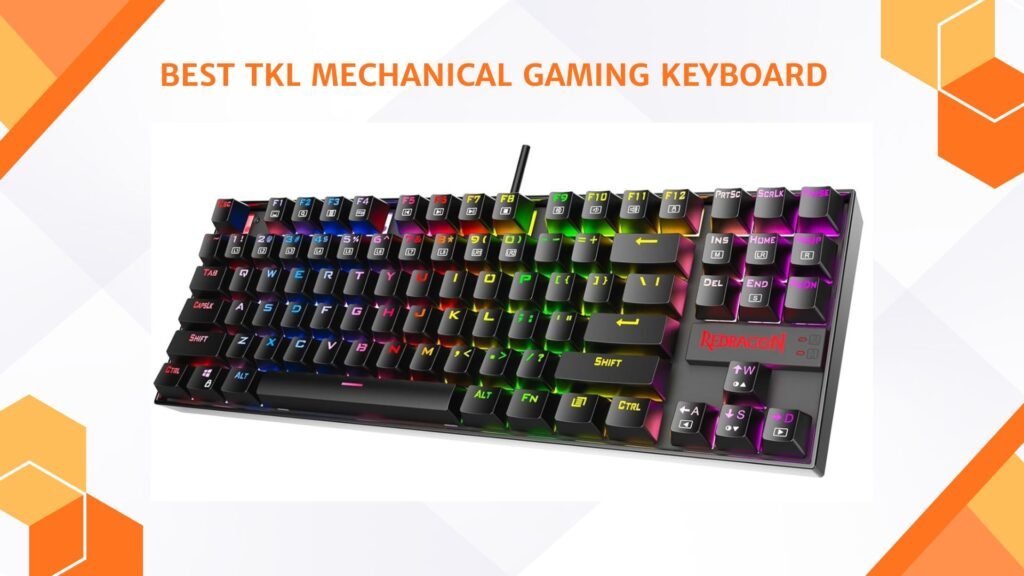
A TKL mechanical gaming keyboard, also known as a tenkeyless keyboard, is a popular choice among gamers who want a compact, efficient, and comfortable setup. Unlike full-sized keyboards, a TKL keyboard removes the number pad on the right side, which makes it smaller and easier to fit on any desk. This design not only saves space but also allows gamers to have more room for mouse movement, which is very useful in fast-paced games like shooters and MOBAs.
Despite being smaller, these keyboards still keep all the essential keys, so you don’t lose any gaming functionality.
We also have a recommendation for the Best Hot-Swappable Mechanical Keyboards, so make sure to check that out too!
Top TKL Mechanical Gaming Keyboard


Comparison
| Product | Image | Rating | Layout | Switches | Backlight | Connection | Best For | Buy |
|---|---|---|---|---|---|---|---|---|
|
Redragon K552P Mechanical Gaming Keyboard 🏆 Best Overall | 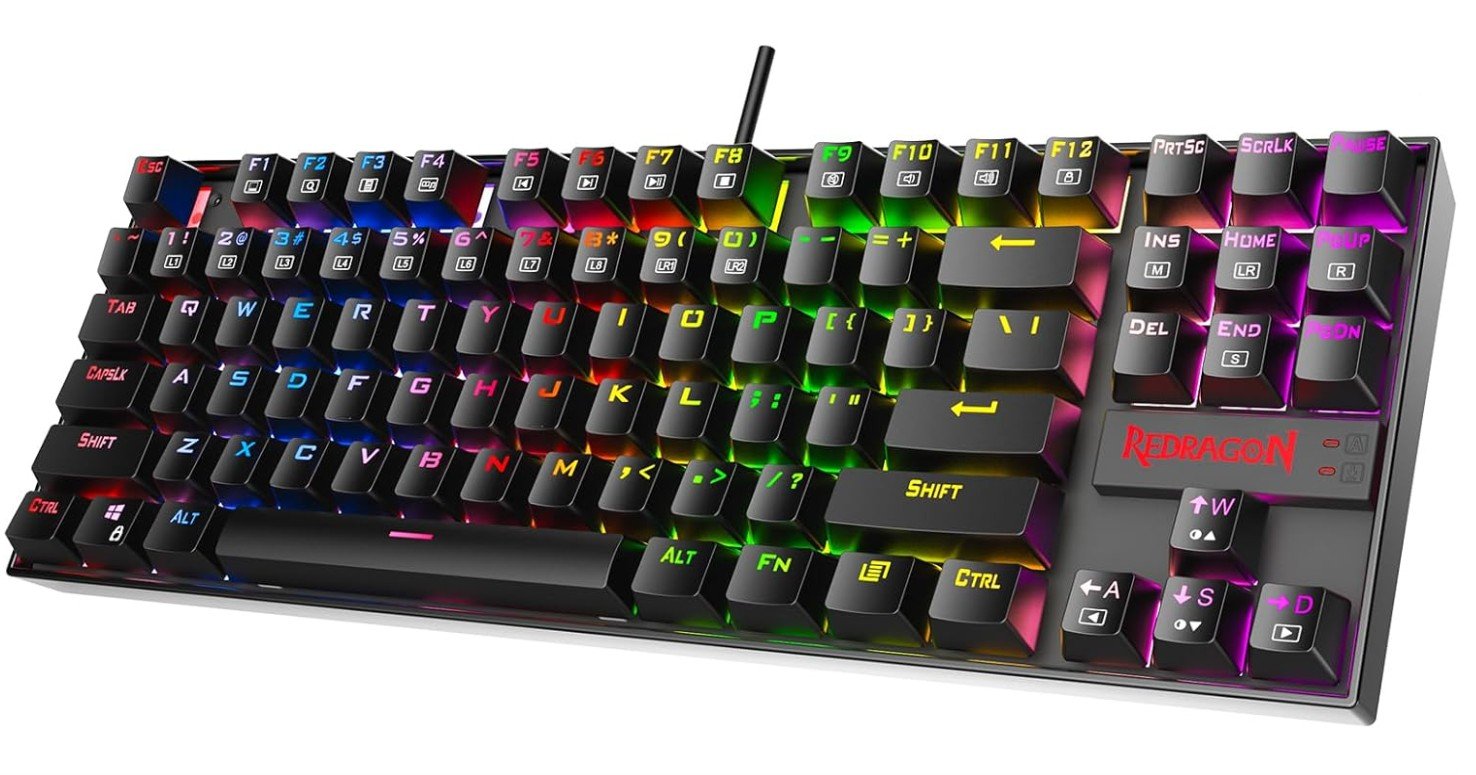 | ★★★★☆ | TKL (87 Keys) | Hot‑Swappable Red | RGB (18 Modes) | Wired USB | All‑Round Gaming | Check Price |
|
Logitech G413 TKL SE Mechanical 💰 Runner‑Up |  | ★★★★☆ | TKL (87 Keys) | Tactile Mechanical | White LED | Wired USB | Durable Build | Check Price |
| Razer BlackWidow V3 TKL Mechanical |  | ★★★★☆ | TKL (87 Keys) | Yellow Linear | Chroma RGB | Wired USB | Responsive Gaming | Check Price |
| Corsair K70 PRO TKL RGB | 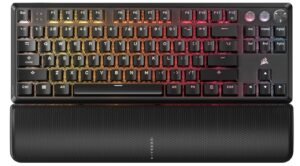 | ★★★★★ | TKL (87 Keys) | Hall Effect MGX | Per‑Key RGB | Wired USB | Competitive Gaming | Check Price |
| SteelSeries Apex 7 TKL Mechanical | 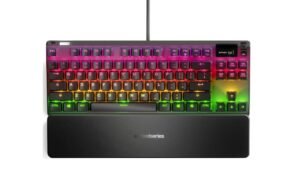 | ★★★★☆ | TKL (87 Keys) | Mechanical Options | Per‑Key RGB | Wired USB | Customizable | Check Price |
| ASUS ROG Azoth Wireless Mechanical | 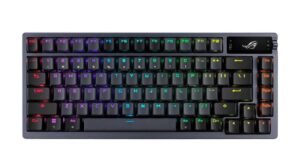 | ★★★★☆ | 75% / TKL‑Like | ROG NX Snow Linear | RGB | Tri‑Mode (Wireless/BT/Wired) | Premium Features | Check Price |
| TECWARE Phantom+ 87 Key Mechanical | 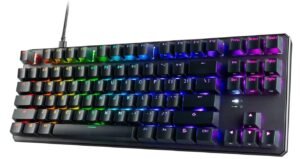 | ★★★★☆ | TKL / 75% Compact | Wraith Red Linear | RGB | Wired USB‑C | Good Value | Check Price |
Redragon K552P Mechanical Gaming Keyboard
Redragon K552P Mechanical Gaming Keyboard
The Redragon K552P Mechanical Gaming Keyboard is a fantastic budget-friendly option for gamers who want strong performance and useful customization features. Its compact 87-key tenkeyless design saves desk space while still providing a comfortable typing and gaming experience. The hot-swappable red switches feel smooth, responsive, and quieter than clicky switches, making the keyboard suitable for both gaming and everyday use.
RGB lighting looks vibrant with 18 backlight modes that add style to any setup. N-key rollover ensures accurate key registration during intense gameplay, while programmable macros offer extra flexibility for advanced users.
Overall, the K552P delivers impressive durability, customization, and gaming performance at an affordable price.
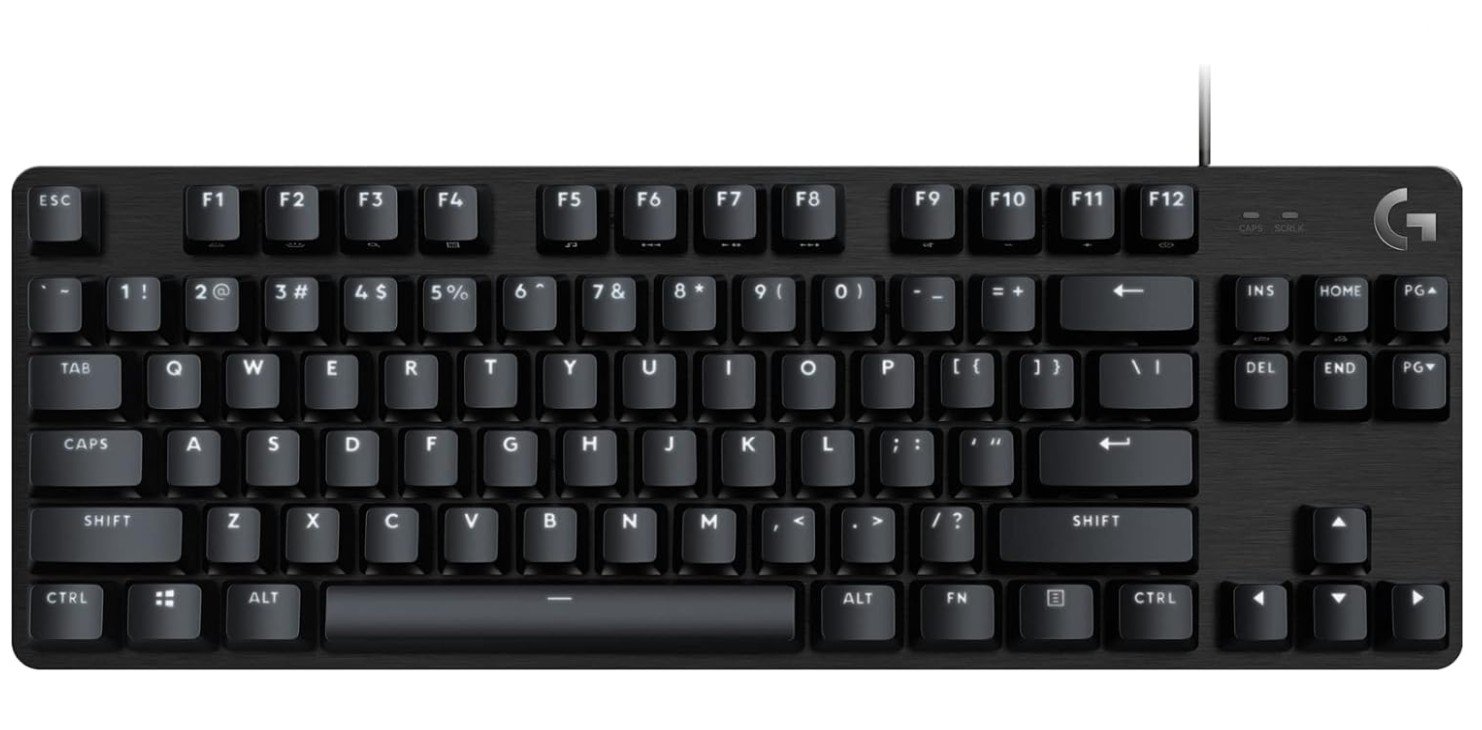
Logitech G413 TKL SE Mechanical Gaming Keyboard
Logitech G413 TKL SE Mechanical Gaming Keyboard
The Logitech G413 TKL SE is a solid compact mechanical gaming keyboard designed for gamers who prefer simplicity, durability, and reliable performance. Its tactile mechanical switches provide responsive feedback that works well for both gaming and typing, while the compact tenkeyless layout saves valuable desk space. The black aluminum top plate gives the keyboard a sturdy and premium feel, and the PBT keycaps offer better durability than standard ABS keycaps.
White LED backlighting looks clean and professional without being distracting. Anti-ghosting support ensures accurate key registration during intense gameplay.
Overall, the G413 TKL SE delivers strong build quality, responsive performance, and excellent value for everyday gaming use.
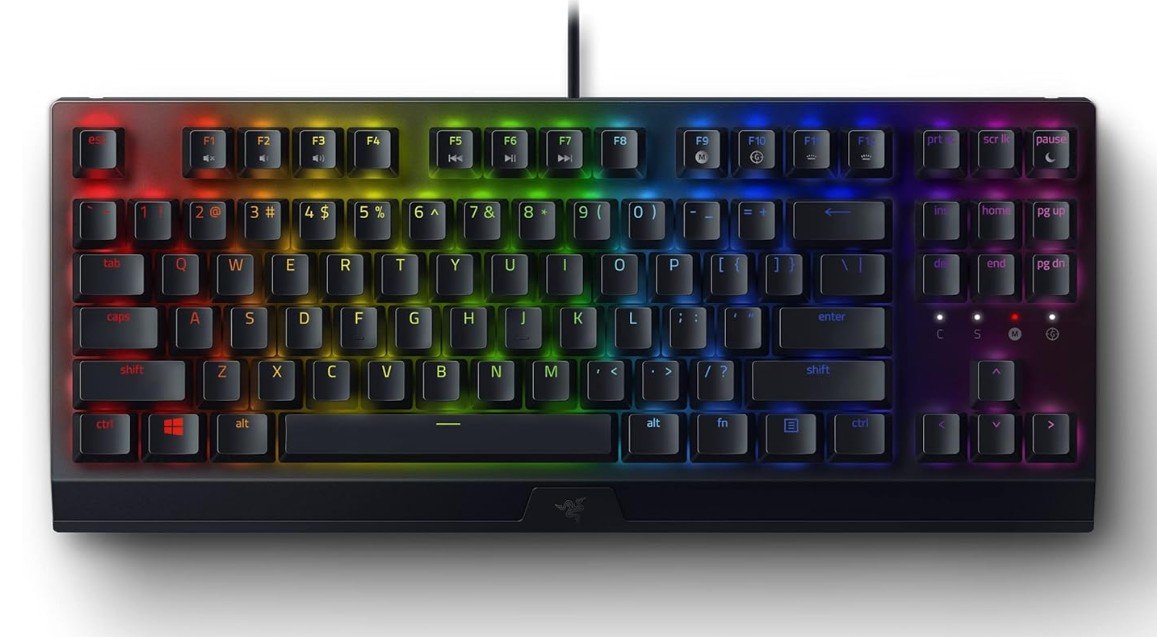
Razer BlackWidow V3 TKL Mechanical Gaming Keyboard
Razer BlackWidow V3 TKL Mechanical Gaming Keyboard
The Razer BlackWidow V3 TKL is a premium compact gaming keyboard built for competitive gamers who want speed, responsiveness, and a clean desk setup. Its Yellow mechanical switches feel smooth, fast, and quiet, making them excellent for both gaming and everyday typing. The tenkeyless design saves space and allows more room for mouse movement during intense gameplay.
Razer Chroma RGB lighting looks vibrant and offers deep customization with countless lighting effects. Programmable macros and Snap Tap support provide extra control and faster in-game actions. The keyboard also feels sturdy and durable with solid build quality.
Overall, the BlackWidow V3 TKL delivers excellent gaming performance in a compact premium package.
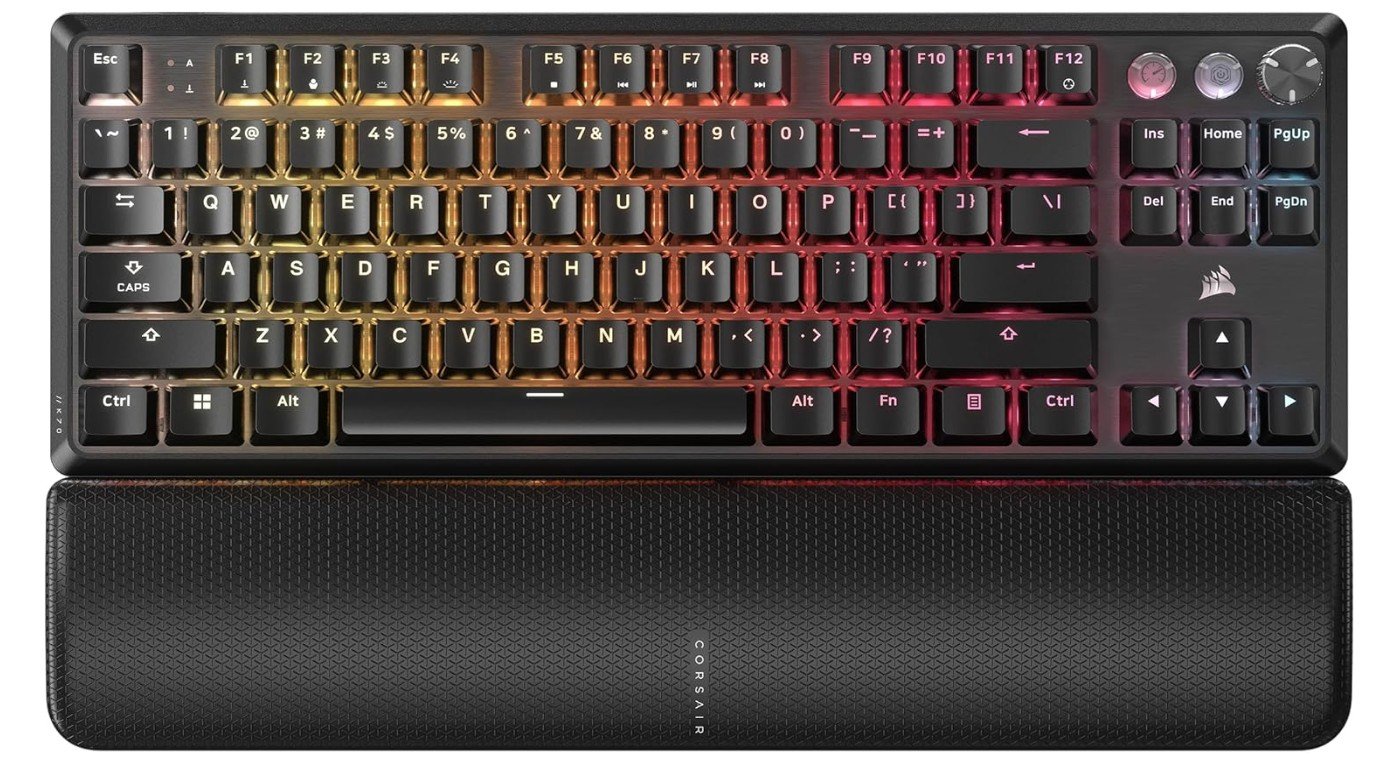
Corsair K70 PRO TKL RGB Tenkeyless Mechanical Wired Gaming Keyboard
Corsair K70 PRO TKL RGB Tenkeyless Mechanical Wired Gaming Keyboard
The Corsair K70 PRO TKL RGB is a high-performance gaming keyboard built for competitive players who want speed, precision, and premium features. Its pre-lubed MGX Hyperdrive Hall Effect switches feel extremely smooth and responsive, while adjustable actuation, Rapid Trigger, and SOCD support provide faster and more accurate gameplay control. The tenkeyless design saves desk space without sacrificing performance, and the 8000Hz polling rate delivers incredibly low input latency.
ABS double-shot keycaps feel durable, and the sound-dampening layers create a cleaner and quieter typing experience. RGB lighting looks vibrant and customizable through iCUE software.
Overall, the K70 PRO TKL is an excellent premium keyboard for serious gamers and esports enthusiasts.
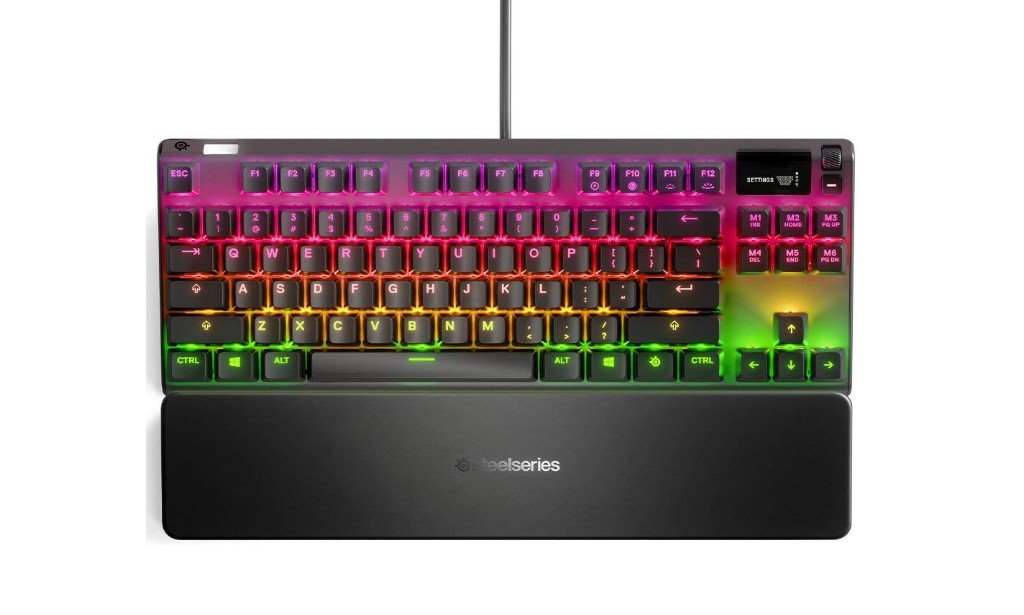
SteelSeries Apex 7 TKL Mechanical USB Gaming Keyboard
SteelSeries Apex 7 TKL Mechanical USB Gaming Keyboard
The SteelSeries Apex 7 TKL is a premium tenkeyless mechanical gaming keyboard that delivers excellent performance, durability, and customization. Its compact TKL design saves desk space while still providing a comfortable gaming and typing experience. The mechanical switches feel responsive and smooth, making the keyboard suitable for competitive gaming and everyday use.
One standout feature is the OLED Smart Display, which shows notifications, settings, and in-game information directly on the keyboard. Per-key RGB lighting looks vibrant and highly customizable through SteelSeries GG software.
The aircraft-grade aluminum frame feels solid and premium, while the magnetic wrist rest adds extra comfort. Overall, the Apex 7 TKL is an outstanding compact gaming keyboard.
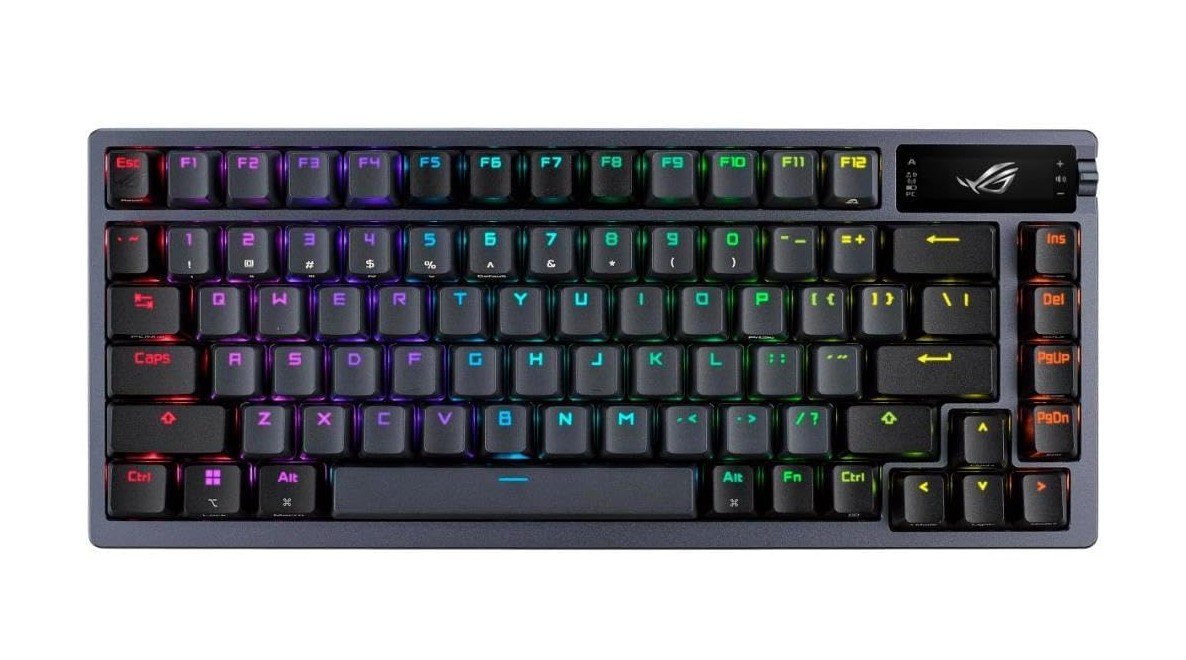
ASUS ROG Azoth Wireless Mechanical Gaming Keyboard
ASUS ROG Azoth Wireless Mechanical Gaming Keyboard
The ASUS ROG Azoth Wireless Mechanical Gaming Keyboard is a premium 75% keyboard built for gamers and enthusiasts who want top-tier performance and customization. Its pre-lubed ROG NX Snow linear switches feel incredibly smooth and satisfying, while the hot-swappable design allows easy switch customization. The keyboard features tri-mode connectivity with Bluetooth, 2.4GHz wireless, and wired USB support for flexible usage across PC and Mac devices.
PBT keycaps, gasket mounting, and multiple sound-dampening layers create an excellent typing experience with rich acoustics. The OLED display adds useful controls and system information, while RGB lighting looks vibrant and highly customizable.
Overall, the ROG Azoth delivers exceptional build quality and premium gaming performance.
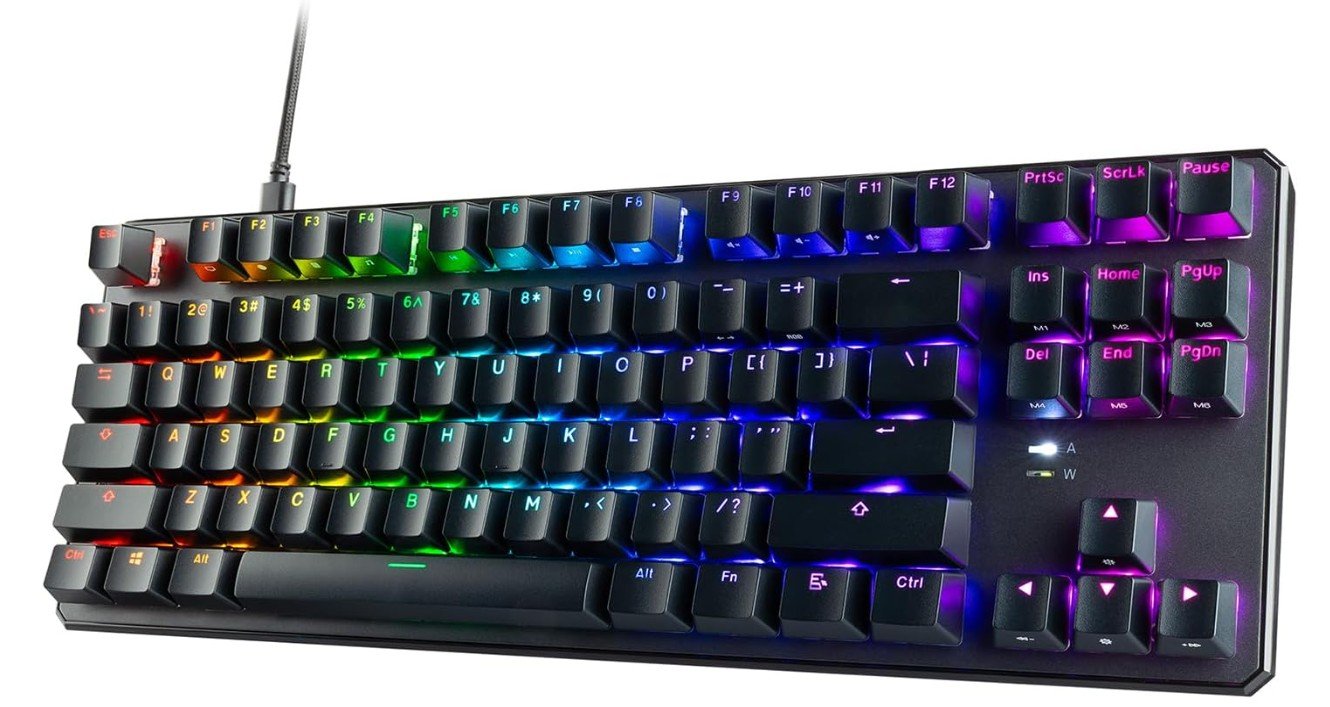
TECWARE Phantom+ 87 Key Mechanical Gaming Keyboard
TECWARE Phantom+ 87 Key Mechanical Gaming Keyboard
The TECWARE Phantom+ 87 Mechanical Gaming Keyboard is an excellent budget-friendly keyboard that offers premium features for gamers and typing enthusiasts. Its hot-swappable Wraith Red switches feel smooth, fast, and quiet, making it great for both gaming and daily use. The compact 87-key TKL layout saves desk space while still maintaining comfortable usability.
RGB lighting looks vibrant with multiple customizable effects, and the detachable USB-C cable adds convenience and portability. One standout feature is its satisfying “thocky” sound profile, which gives typing a smooth and premium acoustic feel.
The sturdy build quality and responsive performance make the Phantom+ 87 a fantastic value option for beginners and enthusiasts alike.
TKL Mechanical Gaming Keyboard — Complete Buying Guide
A tenkeyless (TKL) mechanical keyboard removes the numeric keypad to create a more compact layout while keeping the function row, arrow keys, and navigation cluster. For many gamers and typists the TKL hits a sweet spot: it saves desk space, encourages a more natural hand position, and keeps the keys you actually use most. Below is a complete, practical guide to help you pick the right TKL mechanical gaming keyboard for your needs.
Why choose a TKL keyboard?
TKL keyboards free up horizontal desk space, letting you position your mouse closer to your body. This reduces shoulder strain and gives extra room for wide mouse movements — useful in shooters and fast-paced games. The smaller footprint also makes TKL boards more portable for LANs and easier to fit on crowded desks. If you rarely use a numpad, the TKL offers better ergonomics without sacrificing essential keys.
Key features to focus on
Below are the main features that will affect daily use, performance, and long-term satisfaction.
1. Switch type (linear, tactile, clicky)
Mechanical switches define the feel and sound. Linear switches (e.g., “Red”) are smooth and quiet — good for fast double-taps and gaming. Tactile switches (e.g., “Brown”) give a bump on actuation, helping typing accuracy. Clicky switches (e.g., “Blue”) add an audible click and are satisfying for some typists but noisy for shared spaces. Decide first whether you want speed (linear), feedback (tactile), or audible satisfaction (clicky). Many manufacturers explain each type clearly.
2. Hot-swap vs soldered PCB
Hot-swappable PCBs let you change switches without soldering. This is ideal if you want to try different switch types, replace broken switches, or tune sound with minimal effort. Soldered boards are often cheaper and may allow more custom layouts but are less flexible for swap tests. Hot-swap is highly recommended for beginners and people who value customization.
3. N-Key Rollover (NKRO) and anti-ghosting
NKRO means every simultaneous keypress is registered; 6-key rollover limits recognition to six keys at once. For gaming, NKRO is preferable because it prevents missed inputs during complex key combinations. Check the product spec — many gaming boards advertise “full NKRO” or list their rollover.
4. Polling rate and latency
Polling rate (Hz) tells how often the keyboard reports to the PC. Common values are 125Hz, 500Hz, and 1000Hz. Competitive players often prefer 1000Hz or higher for the lowest input latency. Higher polling rates can slightly increase CPU usage, but for most modern systems that’s negligible.
5. Build quality and mounting style
A solid top plate (aluminum or zinc) adds weight and rigidity; gasket or plate-mount designs change typing feel and sound. Gasket mounts usually produce softer, more damped typing; plate mounts are firmer. Decide whether you want a rigid “snappy” feel or a cushioned “thocky” sound. Heavy frames reduce flex and improve stability during intense sessions.
6. Keycaps
Keycap material and profile matter. ABS keycaps are common and cheaper but can shine with heavy use. PBT keycaps are thicker, harder, and resist shine — preferred by enthusiasts. Double-shot legends are durable and won’t wear off; dye-sublimation is also good for long-lasting legends.
7. Stabilizers
Stabilizers affect larger keys (spacebar, shift, enter). Well-lubed, screw-in stabilizers reduce rattle and produce a more premium sound. Cheap clip-in stabilizers may feel rattly; many hobbyists mod stabilizers (lubing, clipping) to improve feel.
8. Layout nuance: 75% vs strict TKL vs compact
TKL is typically 87 keys. A 75% layout is slightly more compact but keeps arrow keys and function row in a condensed form. Make sure your chosen layout preserves the keys you need (e.g., Insert, Print Screen, Home/End) and matches your muscle memory.
9. Backlighting and software
RGB lighting is cosmetic but fun; white backlight is practical for low-light typing. Software can enable macros, per-key remaps, and lighting profiles — check whether the vendor’s software is stable and cross-platform (Windows/macOS). Some prefer hardware profile storage (onboard memory) so settings travel with the board.
10. Connectivity and extras
Most TKL gaming keyboards are wired for minimal latency. Some high-end models offer wireless (Bluetooth or 2.4GHz) with low-latency gaming modes. Look for detachable USB-C cables, USB passthrough, dedicated media controls, volume wheels, and included wrist rests if those matter to you.
FAQs
TKL (Tenkeyless) keyboards are mechanical keyboards without a number pad, making them more compact while keeping essential keys like arrows and function row — ideal for gaming and desk space.
Yes — many players type comfortably on TKL boards since arrow keys and function row stay accessible, and mechanical switches improve overall feel.
Yes — hot-swap lets you change switches without soldering, so you can personalize feel and sound over time.
TKL boards offer:
✔ More mouse space for large-sweep movements
✔ Better ergonomics — less reach for mouse
✔ Portable size — great for tournaments or travel
✔ Mechanical switches that improve speed and responsiveness
Final recommendations
If you want a simple rule: choose a TKL if you value desk space and mouse freedom. For gaming, pick a board with NKRO, wired (or proven low-latency wireless), and a fast switch type you like. If you want to experiment with feel, go hot-swappable. If you prefer a ready-to-use premium feel, choose a midrange-to-premium board with PBT keycaps, good stabilizers, and a sturdy mount.
For quick reference, the five most important specs to verify before buying are: switch type, hot-swap support, NKRO, keycap material, and build/mounting style. These control how the keyboard feels, sounds, and performs over years of use.

Jawad is a passionate tech enthusiast and writer who loves exploring the latest trends in hardware, gadgets, and digital innovation. With a sharp eye for performance and value, he delivers in-depth recommendations and buying guides to help readers make smarter tech decisions.